Installation Manual: Standard 360a Model Y (360y) Label Applicator
10
Powering-On the Applicator
POWERING-ON THE APPLICATOR
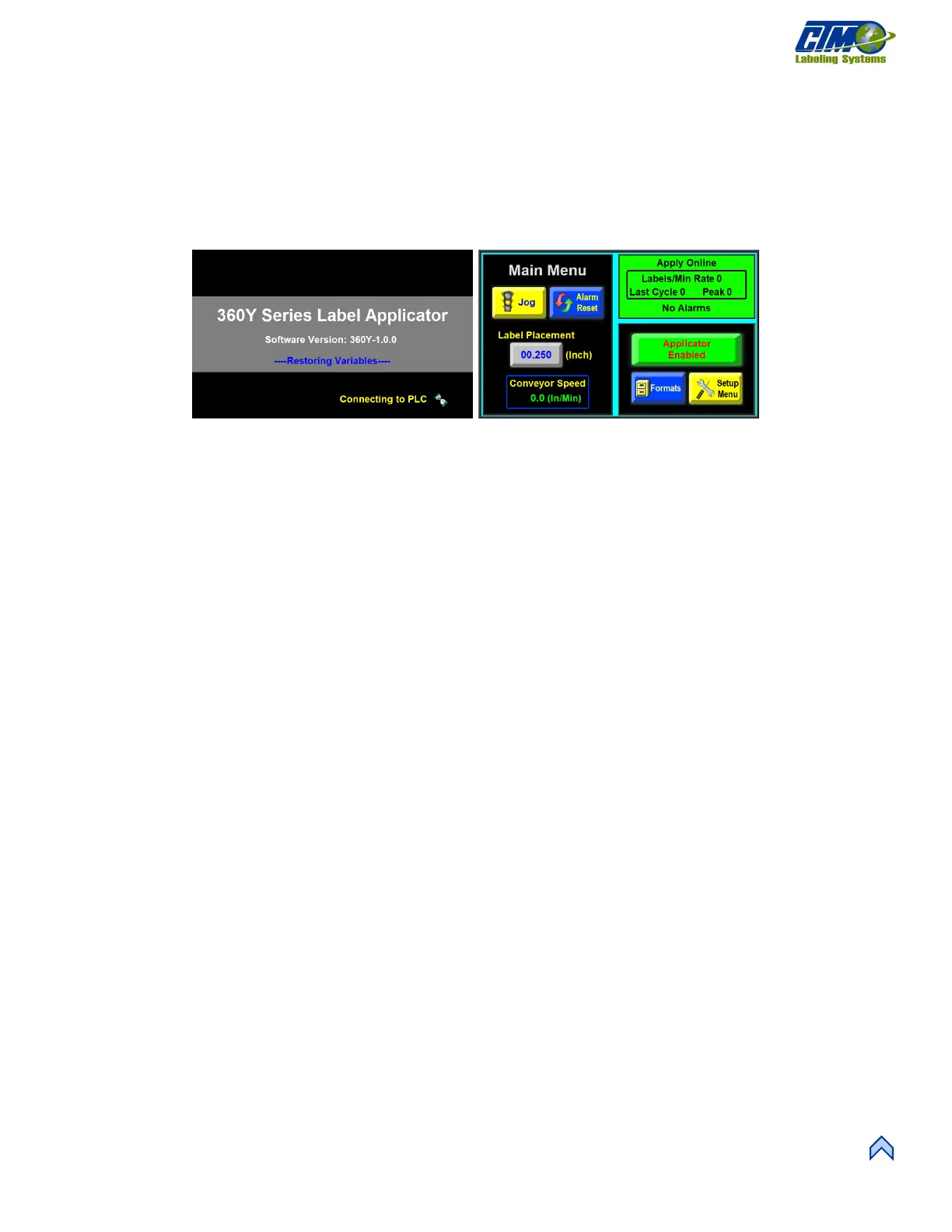
1. Turn on the applicator by flipping the switch located above the power cable seen in Figure [6]. As the applicator wakes up,
the Power-on screen appears [8].
2. The Power-on sequence is finished when the Main Menu screen appears [9].
NOTE: The blue box in the upper right-hand corner of Figure [9] says something different for each nose type and
orientation. The right-hand Merge applicator Main Menu is shown here for reference.



 To Next Page