Operator’s Manual: Standard 360a Model Y (360y) Label Applicator
3
Sensors
The sensors listed in the following sections are used for label detection and product detection.
NOTE: The following are standard sensors that may or may not be installed on your
applicator. If there is a sensor on your applicator that is not covered, and you would
like more information please see the Contact and Support s
ection to contact the
manufacturer.
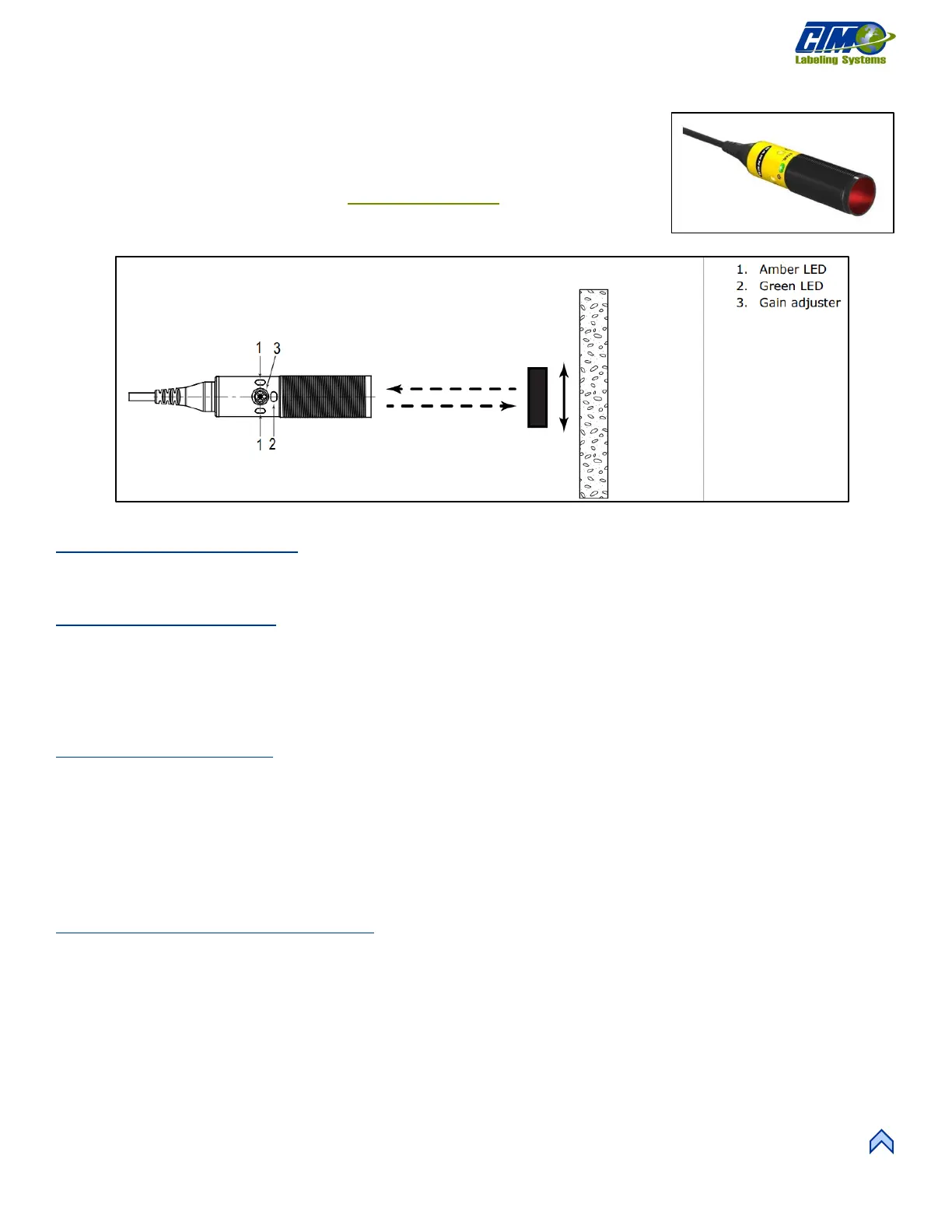
Banner S18-2 Sensor
This sensor can be retroreflective, diffused, or polarized and comes with various types of reflectors as well as a potted or quick
disconnect cable.
Fixed Field PD Sensor
This sensor is distance-base and does not need a reflector. It has a small detection range from 25mm to 50mm.
1. Mount the sensor.
2. Ensure there is power to the sensor and that the green LED is on when looking at the sensor.
3. Move a product between the sensor and the reflector and the amber LED turns on.
Retroreflective Setup
1. Mount the sensor and reflector.
2. Ensure there is power to the sensor and that the green LED is on when looking at the sensor.
3. Move a product between the sensor and the reflector and the amber LED turns on.
4. Remove the top cover from the applicator.
5. Use a pair of plyers to move the jumper cable from one side to the other inside the applicator. This switches the sensor to
trailing edge functionality.
Polarized Retroreflective Setup
1. Mount the sensor and reflector.
2. Ensure there is power to the sensor and that the green LED is on when looking at the sensor.
3. Move a product between the sensor and the reflector. The amber LED turns on.
4. Remove the tope cover from the applicator.
5. Use a pair of plyers to move the jumper cable from one side to the other inside the applicator. This switches the sensor to
trailing edge functionality.
6. The polarized sensor needs a depolarizing reflector to sense clear products.



 To Next Page