ENTER/EXIT PROGRAMMING MODE
Product Reference Guide
107
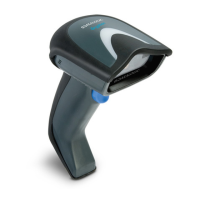
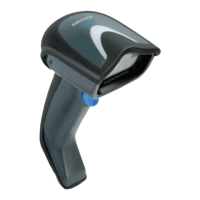
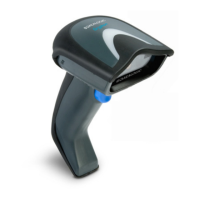
Stand Detection
Specifies the behavior of the scanner when placed in a stand that contains
autorecognition hardware.
Ignore Autorecognition
Switch to Stand Mode
DEFAULT
Switch to Always On
Switch to Flashing
Stand Mode Triggered Timeout — continued
Stand Mode Triggered Timeout = 8 Seconds
Stand Mode Triggered Timeout =
Switch back to Trigger Single on trigger pull


 To Next Page
 Loading...