ENTER/EXIT PROGRAMMING MODE
56
Gryphon™ I GD4132/GM4102/GBT 4102
Disable Character
Specifies the value of the RS-232 host command used to disable the reader.
ASCII characters or any hex value from 0 to 0xFF can be selected.
Setting to previously defined characters such as XON, XOFF, or
host commands conflicts with normal operation of these char-
acters. 8-bit data is not recognized when the option
Data Bits
has been set as 7 Data Bits.
See page 289 for more information on setting this feature.
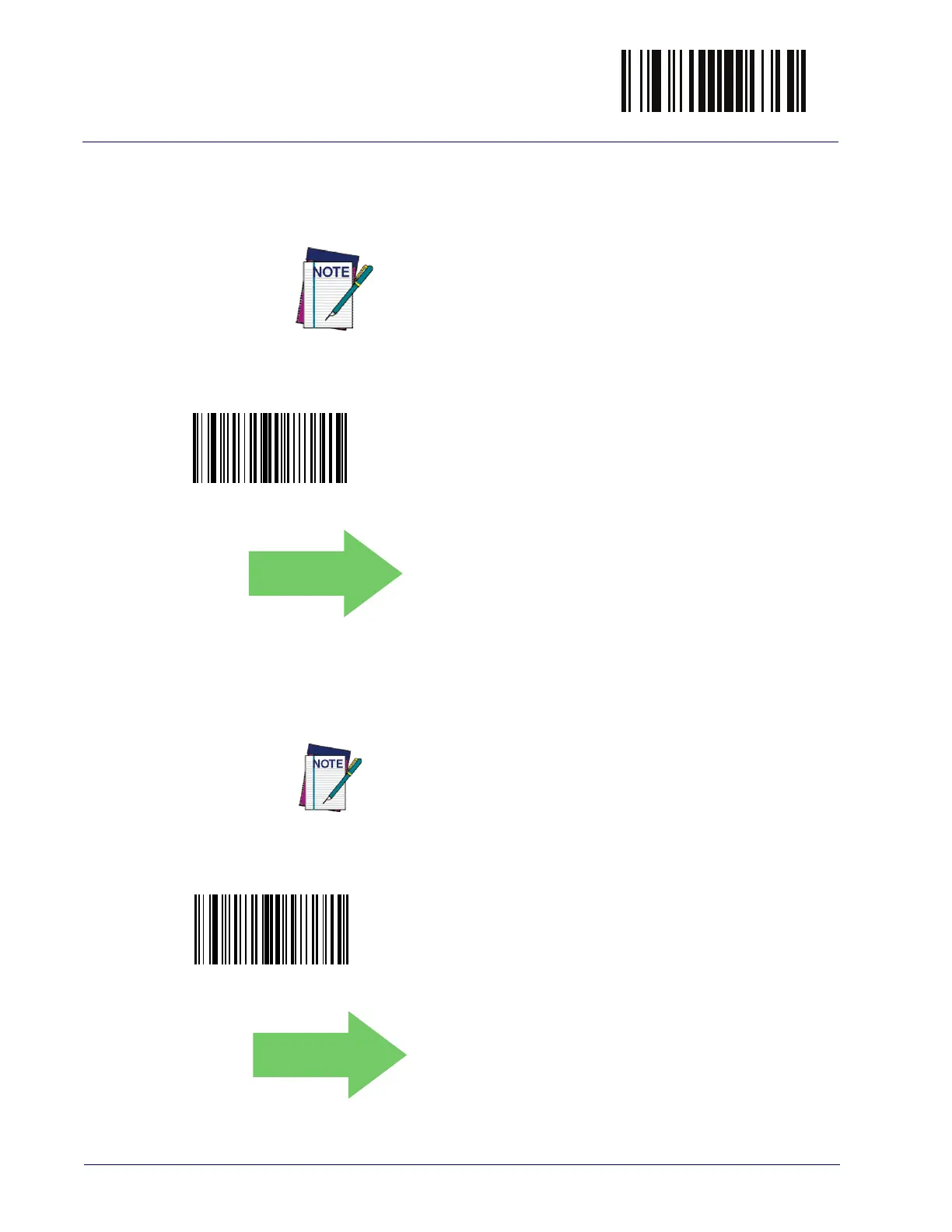
Select Disable Character Setting
DEFAULT
0x44 = Disable Character is ‘D’
Enable Character
Specifies the value of the RS-232 host command used to enable the reader.
ASCII characters or any hex value from 0 to 0xFF can be selected.
Setting to previously defined characters such as XON, XOFF, or
host commands conflicts with normal operation of these char
-
acters. 8-bit data is not recognized when the option
Data Bits
has been set as 7 Data Bits.
See page 290 in “References” for more information on setting this feature.
Select Enable Character Setting
DEFAULT
0x45 = Enable Character is ‘E’



 To Next Page
 Loading...