ENTER/EXIT PROGRAMMING MODE
62
Gryphon™ I GD4132/GM4102/GBT 4102
Send Control Characters
This feature Specifies how the reader transmits ASCII control characters to the
host. Reference Appendix E, Scancode Tables for more information about con-
trol characters.
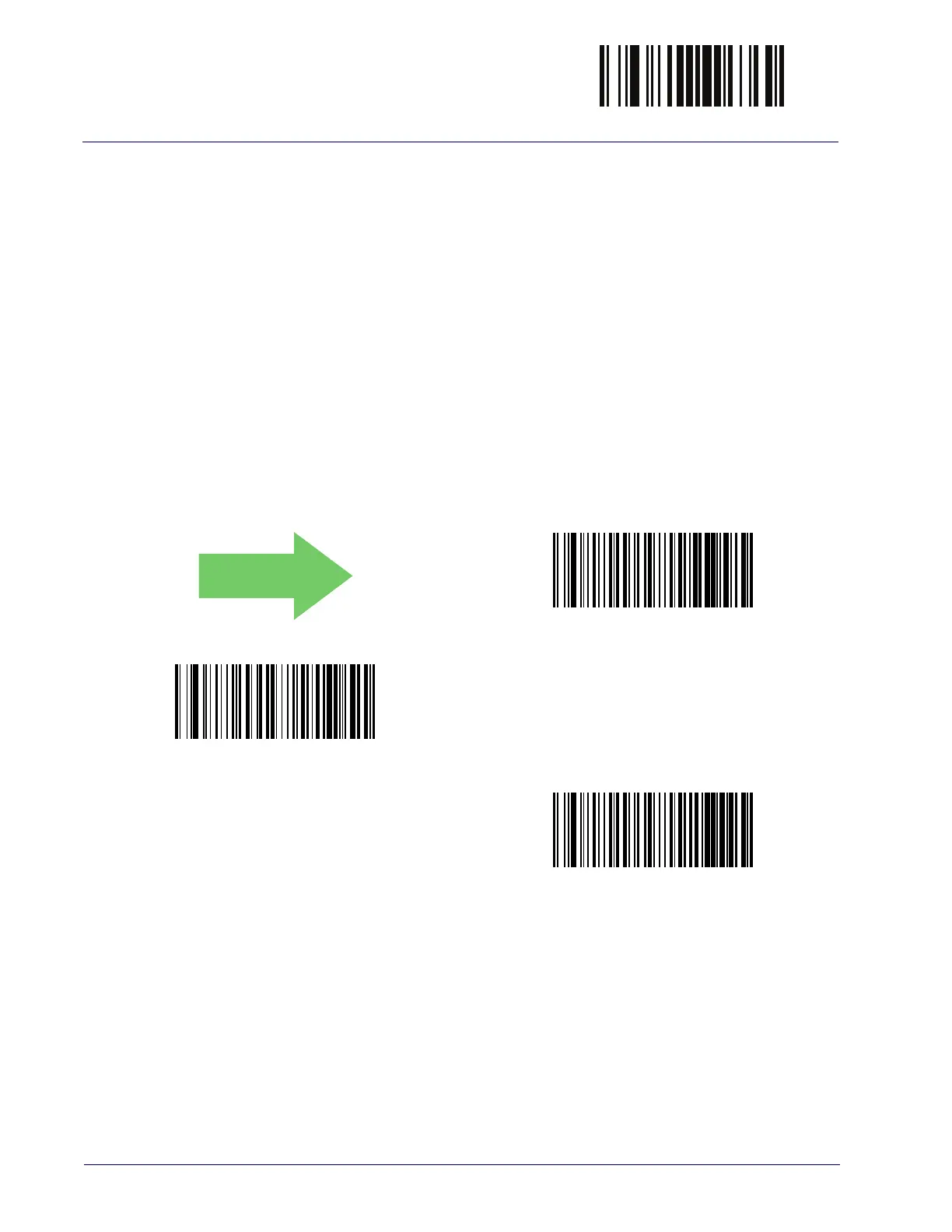
Options are as follows:
Control Character 00 :
Characters from 00 to 0x1F are sent as control character
Ctrl+Keys, special keys are located from 0x80 to 0xA1.
Control Character 01 :
Characters from 00 to 0x1F are sent as control character
Ctrl+Capital Key, special keys are located from 0x80 to 0xA1.
Control Character 02 :
Special keys are located from 00 to 0x1F and characters
from 0x80 to 0xFE are intended as an extended ASCII table (Microsoft Windows
Codepage 1252 — see "Microsoft Windows Codepage 1252" on
page 349).
DEFAULT
Wedge Send Control Characters = 00
Wedge Send Control Characters = 01
Wedge Send Control Characters = 02



 To Next Page
 Loading...