108 Configuring System Information
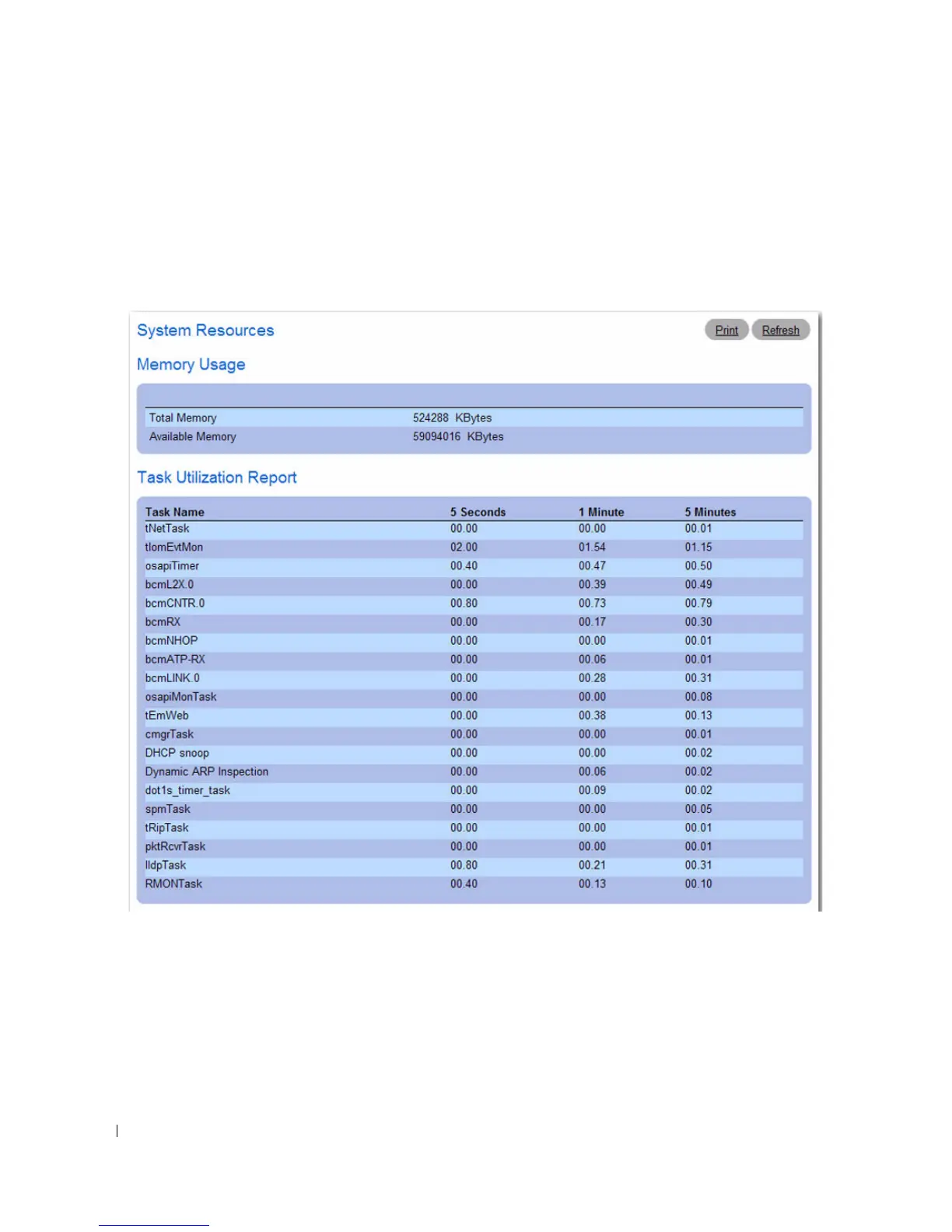
System Resources
Use the System Resources page to view information about memory usage and task utilization.
To display the System Resources page, click System > General > System Resources in the tree view.
Figure 6-4. System Resources
The System Resources page contains the following fields:
•
Total Memory
— Displays the total memory present on the switch.
•
Available Memory
— Displays the available memory (Free for allocation) present on the switch.
•
Task Name
— Name of the active task running on the switch.
•
Utilization (%)
— Percentage of CPU utilized by the corresponding task in the last:
–Five seconds



 To Next Page