Configuring System Information 137
Host Name Mapping
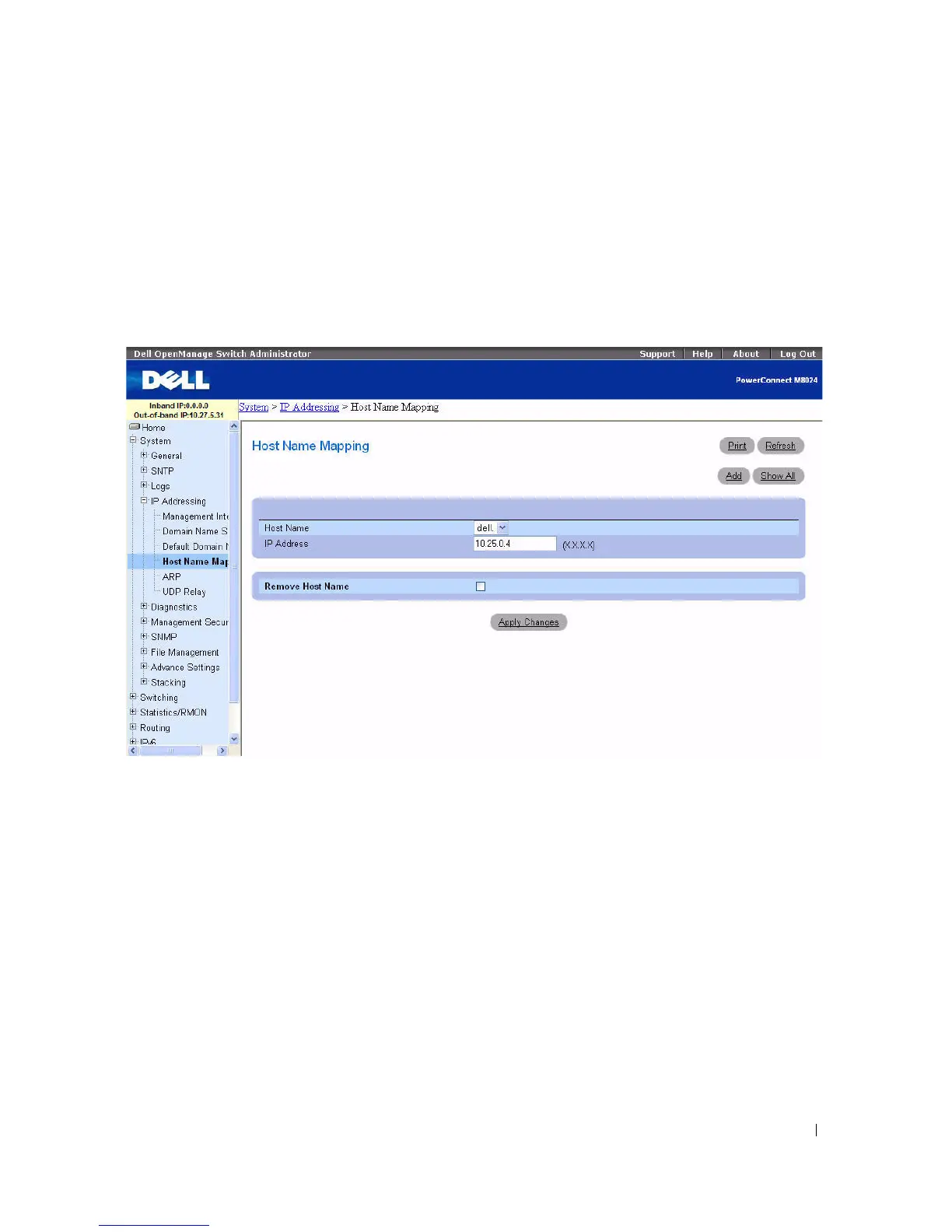
Use the Host Name Mapping page to assign an IP address to a static host name. The Host Name
Mapping page
provides one IP address per host.
To display the Host Name Mapping page,
click System > IP Addressing > Host Name Mapping.
Figure 6-28. Host Name Mapping
The Host Name Mapping page contains the following fields:
•
Host Name —
Contains a list of host names. Host names are defined on the
Add Static Host Name
Mapping
page. Each host provides one IP address.
•
IP Address —
Provides an IP address that is assigned to the specified host name.
•
Remove Host Name —
Removes the host name IP mapping when checked.
Adding Host Domain Names
1.
Open the
Host Name Mapping
page
.
2.
Click
Add
.
The
Add Static Host Name Mapping
page displays
:



 To Next Page