Configuring IPv6 603
Displaying OSPFv3 Neighbors using the CLI Command
For information about the CLI commands that perform this function, see the following chapter in the
CLI Reference Guide
:
• OSPFv3 Commands
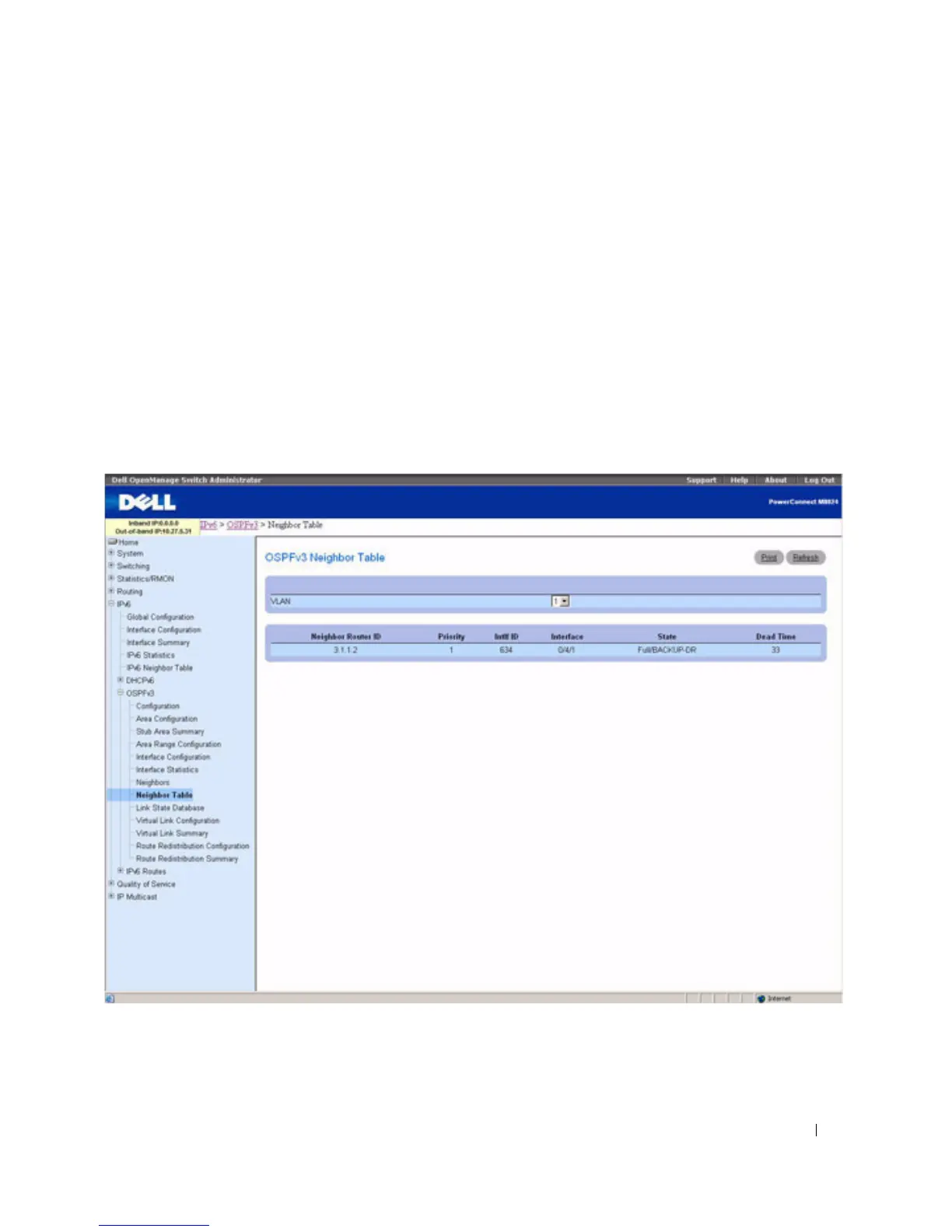
OSPFv3 Neighbor Table
Use the OSPFv3 Neighbor Table
page to display the OSPF neighbor table list. When a particular
neighbor ID is specified, detailed information about a neighbor is given. The neighbor table is only
displayed if OSPF is enabled.
To display the page, click IPv6 > OSPFv3 > Neighbor Table in the tree view.
Figure 10-26. OSPFv3 Neighbor Table



 To Next Page