Configuring IP Multicast 671
The MLD Traffic page contains the following fields:
•
Valid MLD Packets Received
— The total number of valid MLD packets received by the router.
•
Va l id M L D Pa cke t s S e nt
— The total number of valid MLD packets sent from the router
•
Querier Received
— The total number of MLD packets sent as the MLD querier.
•
Querier Sent
— The total number of MLD packets sent as the MLD querier.
•
Reports Received
— The total number of MLD reports received.
•
Reports Sent
— The total number of MLD reports received.
•
Leaves Received
— The total number of MLD Leave messages received.
•
Leaves Sent
— The total number of MLD Leave messages received.
Click Refresh to display the latest information from the router.
Click Clear Traffic to reset all counters to their default values.
MLD Proxy Configuration
When you configure an interface in MLD proxy mode, it acts as a proxy multicast host that sends MLD
membership reports on one interface for MLD Membership reports received on all other MLD-enabled
router interfaces.
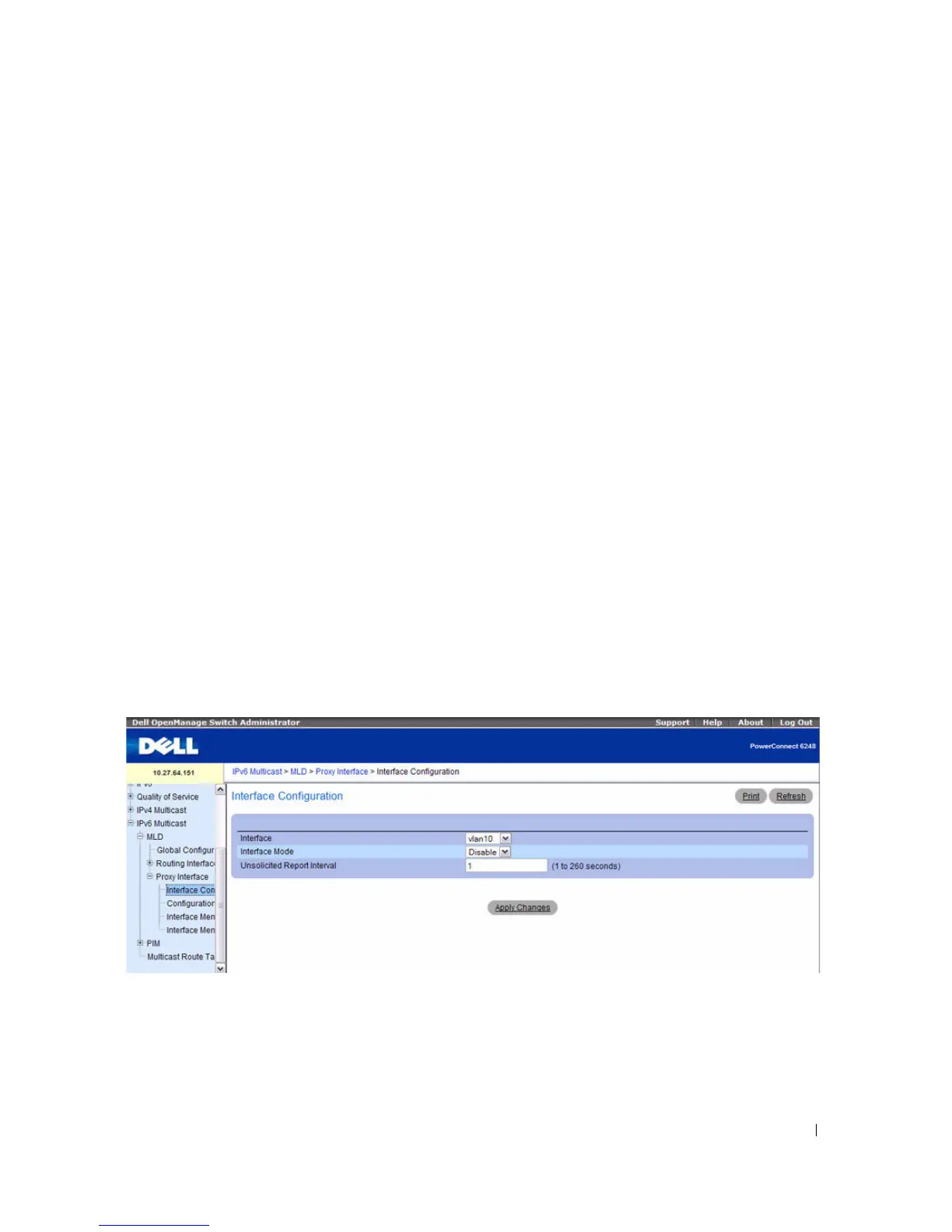
Use the MLD Proxy Interface Configuration page to enable and disable ports as MLD proxy interfaces.
To display this page, click IPv6 Multicast > MLD > Proxy Interface > Interface Configuration in the
navigation tree.
Figure 12-15. MLD Proxy Interface Configuration



 To Next Page