Configuring System Information 205
Client Detail
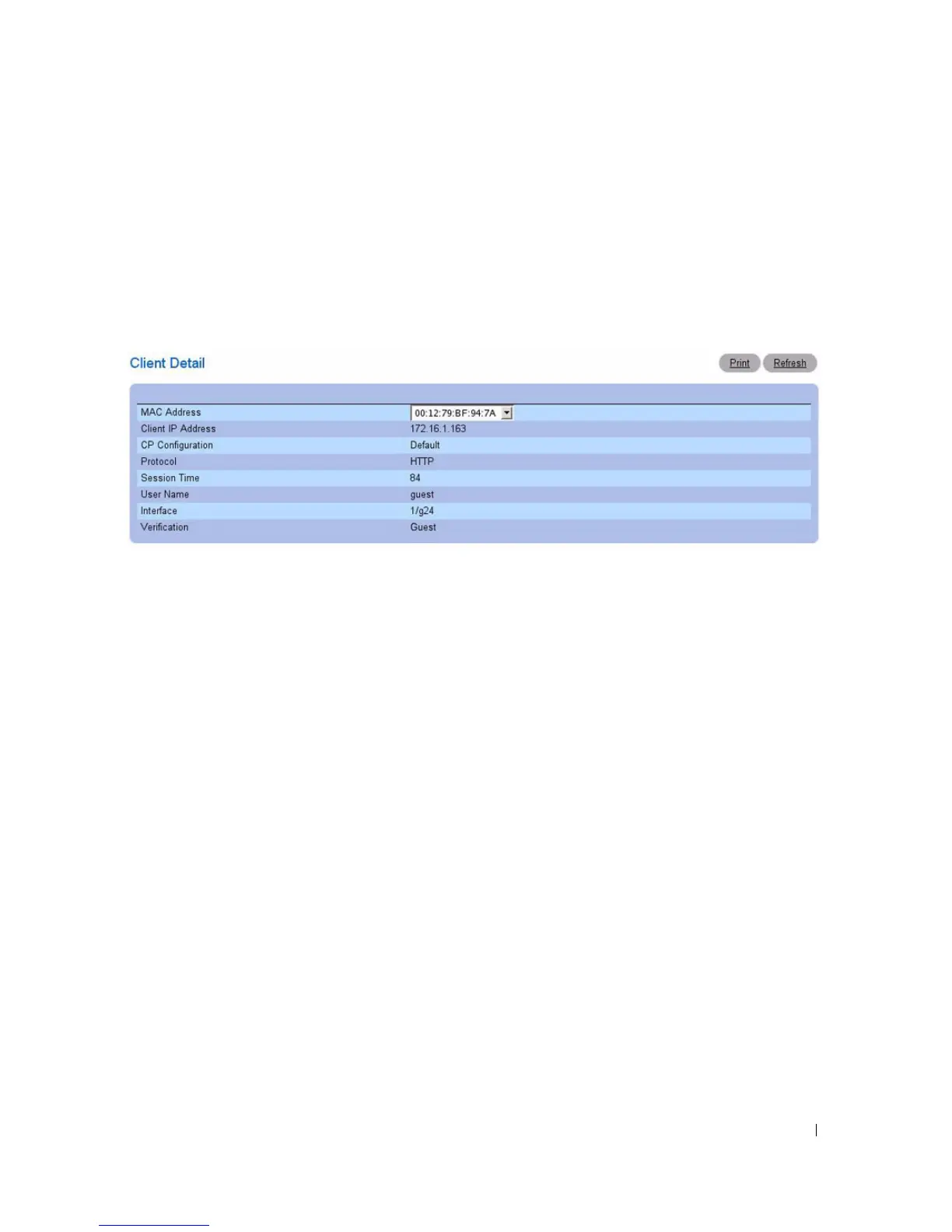
The Client Detail page shows detailed information about each client connected to the network through
a captive portal.
To view detailed information about the clients connected to the switch through the captive portal, click
System > Captive Portal > Client Detail.
Figure 6-86. Client Detail
The Client Detail page contains the following fields:
•
MAC Address —
The menu lists each associated client by MAC address. To view status information
for a different client, select its MAC address from the list.
•
Client IP Address
— Identifies the IP address of the client (if applicable).
•
CP Configuration
— Identifies the CP configuration the client is using.
•
Protocol
— Shows the current connection protocol, which is either HTTP or HTTPS.
•
Session Time
— Shows the amount of time that has passed since the client was authorized.
•
User Name
— Displays the user name (or Guest ID) of the connected client.
•
Interface
— Identifies the interface the client is using.
•
Verification
— Shows the current account type, which is Guest, Local, or RADIUS.
CP Interface Client Status
Use the Interface Client Status page to view clients that are authenticated to a specific interface.
To view statistical information for clients connected to the switch through the captive portal, click
System > Captive Portal > Interface Client Status.



 To Next Page