446 Viewing Statistics and Remote Monitoring
Charts
The Chart menu page contains links to web pages that allow you to chart statistics on a graph. To display
the Charts menu page, click Statistics/RMON > Charts in the tree view. The Charts menu page
contains links to the following features:
•Ports Statistics
•LAG Statistics
Ports Statistics
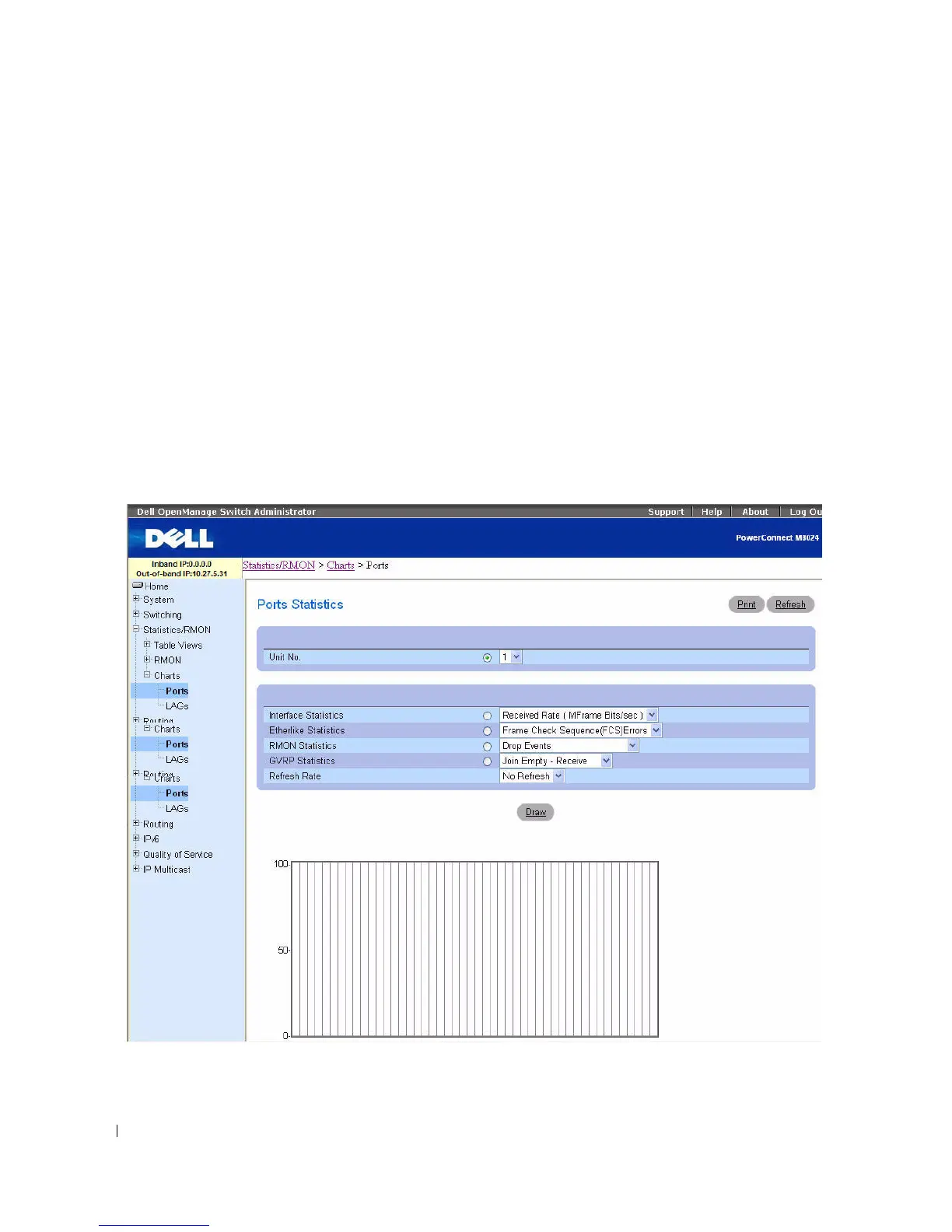
Use the Ports Statistics
page to chart port-related statistics on a graph.
To display the page, click Statistics/RMON > Charts > Ports in the tree view.
Figure 8-19. Ports Statistics



 To Next Page