382 Configuring Switching Information
LLDP Connections
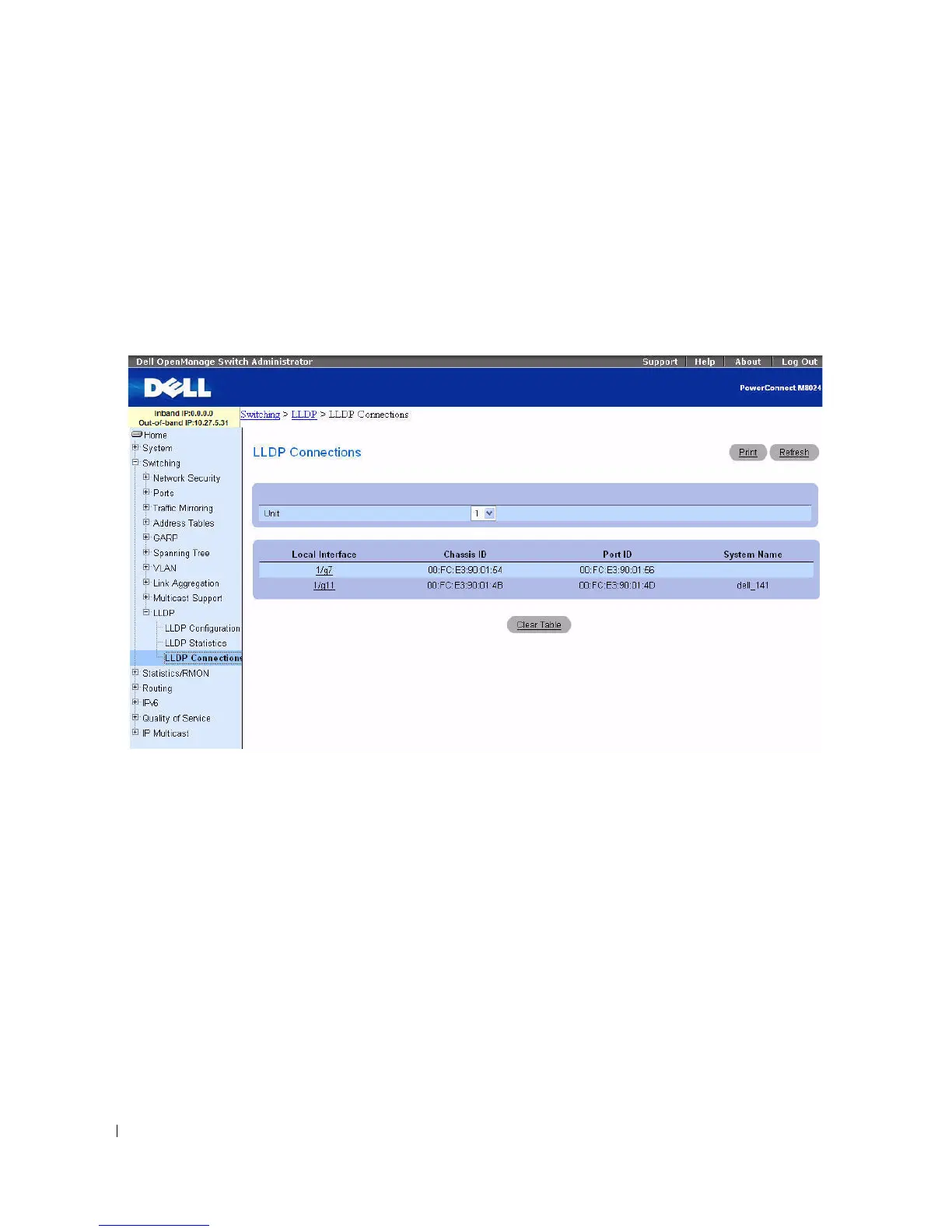
Use the LLDP Connections page to view the list of ports with LLDP enabled. Basic connection details
are displayed.
To display the LLDP Connections
page, click Switching > LLDP > LLDP Connections in the tree
view.
Figure 7-97. LLDP Connections Table
The LLDP Connections page displays the following port details:
•
Local Interface
— Designates a unit and port in the stack.
•
Chassis ID
— Identifies the 802 LAN device's chassis.
•
Port ID
— Identifies the port number from which the LLDPDU is transmitted.
•
System Name
— Identifies the system name associated with the remote device.
Use the Unit drop-down menu to view the LLDP Connections for other units in the stack, if they exist.
Use the Clear Table button to delete all information from the LLDP Connections table.



 To Next Page