180 Configuring System Information
•
Pending Requests
— The number of RADIUS Accounting-Request packets destined for this server
that have not yet timed out or received a response.
•
Timeouts
— The number of accounting timeouts to this server.
•
Unknown Types
— The number of RADIUS packets of unknown type which were received from this
server on the accounting port.
•
Packets Dropped
— The number of RADIUS packets received from this server on the accounting port
and dropped for some other reason.
RADIUS Server Statistics
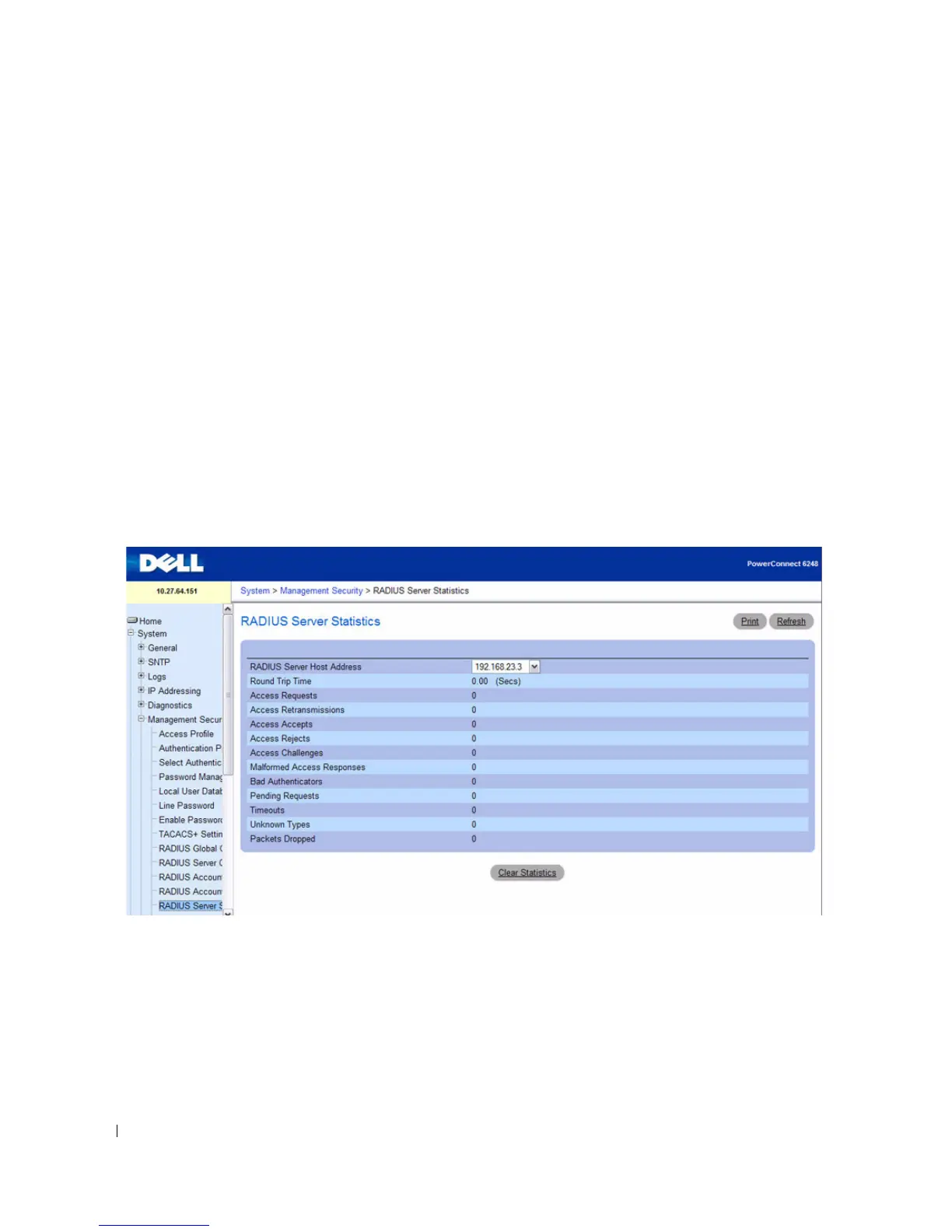
Use the RADIUS Server Statistics page to view statistical information for each RADIUS server
configured on the system.
To access the RADIUS Server Statistics page, click System > Management Security > RADIUS Server
Statistics in the tree view.
Figure 6-64. RADIUS Server Statistics
The RADIUS Server Statistics page contains the following fields:
•
RADIUS Server Host Address
— Use the drop-down menu to select the IP address of the RADIUS
server for which to display statistics.
•
Round Trip Time
— The time interval, in hundredths of a second, between the most recent Access-
Reply/Access-Challenge and the Access-Request that matched it from this RADIUS authentication
server.



 To Next Page