Configuring System Information 143
Running Cable Diagnostics
Use the Diagnostics menu page to perform virtual cable tests for copper and fiber optics cables.
To display the Diagnostics page, click System > Diagnostics in the tree view.
Use this page to go to the following feature:
• Integrated Cable Test for Copper Cables
Integrated Cable Test for Copper Cables
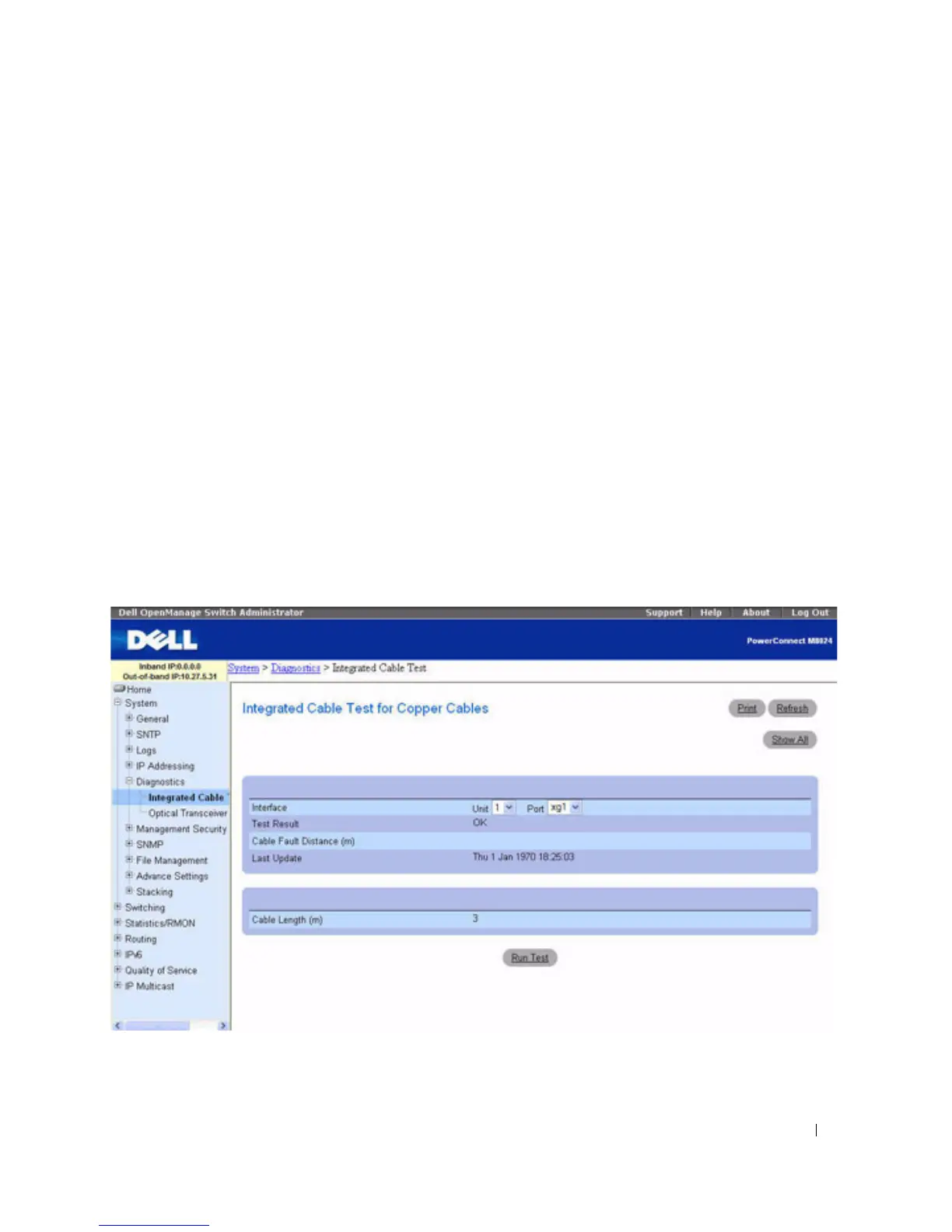
Use the Integrated Cable Test for Copper Cables page to perform tests on copper cables. Cable testing
provides information about where errors occurred in the cable, the last time a cable test was performed,
and the type of cable error which occurred. The tests use Time Domain Reflectometry (TDR)
technology to test the quality and characteristics of a copper cable attached to a port. Cables up to 120
meters long can be tested. Cables are tested when the ports are in the down state, with the exception of
the Approximated Cable Length test.
To display the Integrated Cable Test for Copper Cables page, click System > Diagnostics > Integrated
Cable Test in the tree view.
Figure 6-35. Integrated Cable Test for Copper Cables



 To Next Page