408 Configuring Switching Information
IPSG Binding Configuration Summary
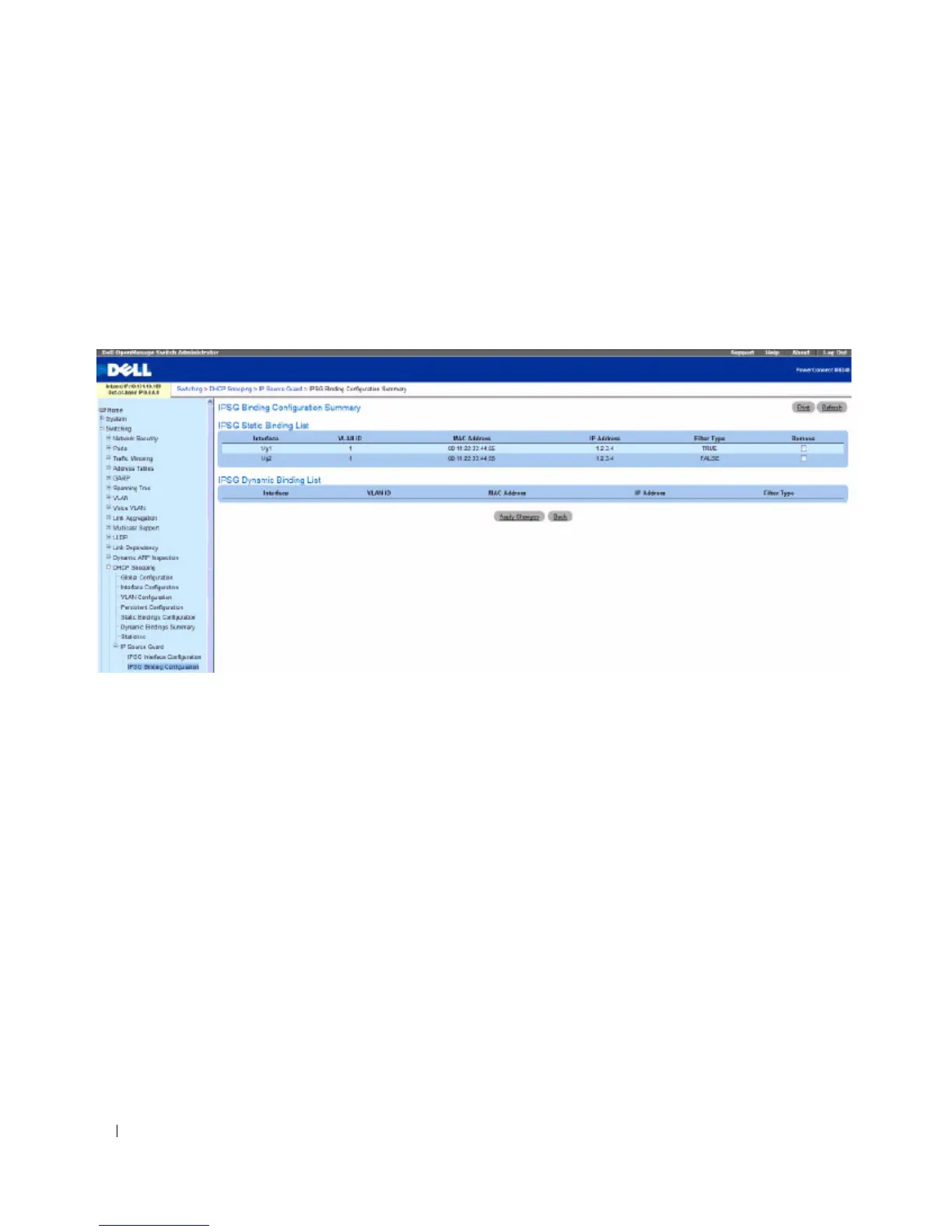
The IPSG Binding Configuration Summary page displays the IPSG Static binding list and IPSG
dynamic binding list (the static bindings configured in Binding configuration page).
To access the IPSG Binding Configuration Summary page, click Switching > DHCP Snooping > IP
Source Guard > IPSG Binding Configuration Summary in the navigation tree.
Figure 7-122. IPSG Binding Configuration Summary
The IPSG Binding Configuration Summary page contains the following fields:
To remove an interface from the IPSG Binding list, select the Remove checkbox and select Apply
Changes.
DHCP Relay
When a DHCP client and server are in the same IP subnet, they can directly connect to exchange IP
address requests and replies. However, having a DHCP server on each subnet can be expensive and is
often impractical. Alternatively, network infrastructure devices can be used to relay packets between a
DHCP client and server on different subnets. Such a device, a Layer 3 Relay agent, is generally a router
that has IP interfaces on both the client and server subnets and can route between them. However, in
Layer 2 switched networks, there may be one or more infrastructure devices (for example, a switch)
between the client and the L3 Relay agent/DHCP server. In this instance, some of the client device
information required by the L3 Relay agent may not be visible to it. In this case, an L2 Relay agent can be
used to add the information that the L3 Relay Agent and DHCP server need to perform their roles in
address and configuration and assignment.



 To Next Page