726 Configuring IP Multicast
Static RP Configuration
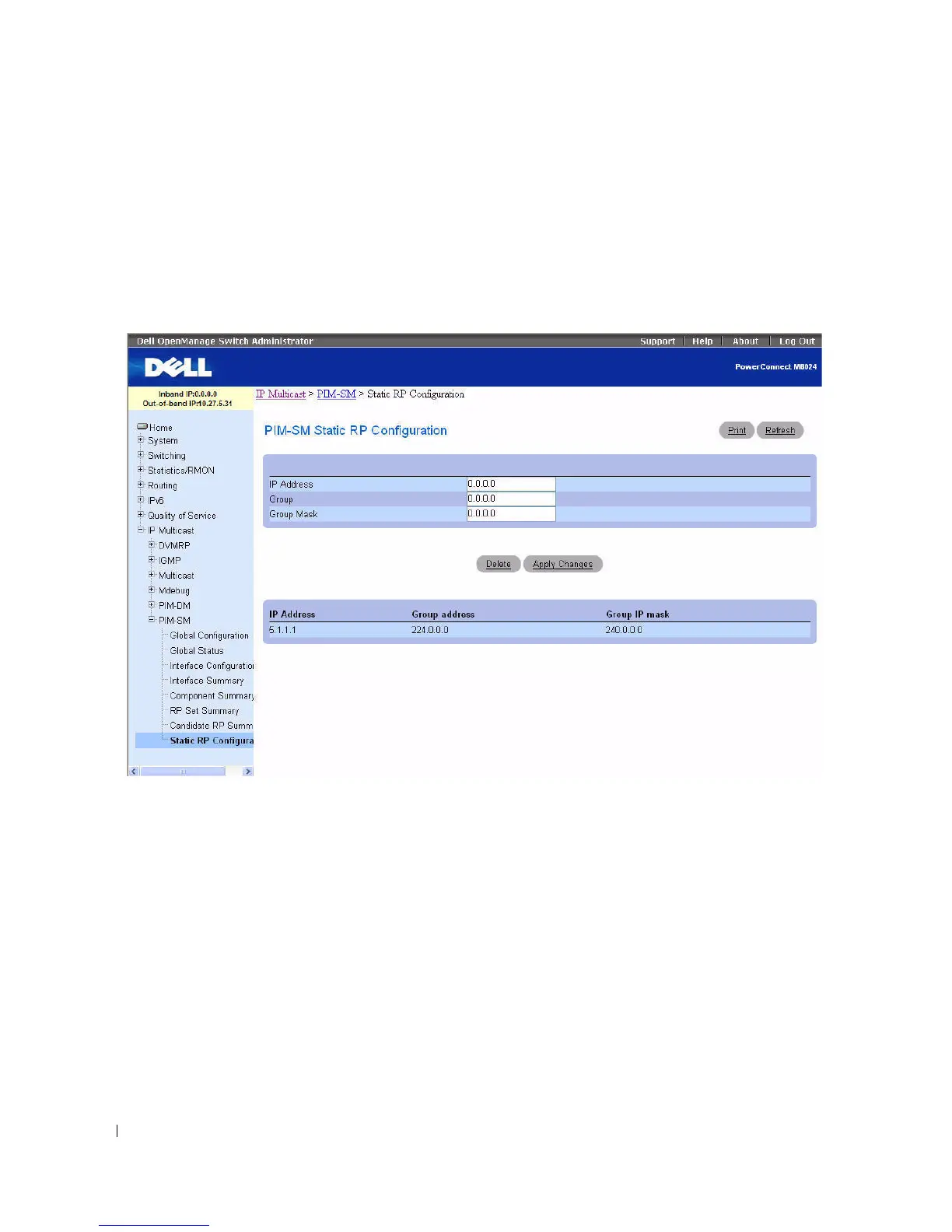
Use the Static RP Configuration
page to create the specified static RP IP Address for the PIM-SM
router.
To display the page, click Multicast > PIM-SM > Static RP Configuration in the tree view.
Figure 12-53. Static RP Configuration
The Static RP Configuration page contains the following fields:
•
IP Address
— IP Address of the RP to be created.
•
Group
— Group Address of the RP to be created.
•
Group Mask
— Group IP Mask of the RP to be created.
Existing configurations display in a table at the bottom of the page.
Configuring Static RP
1.
Open the
Static RP Configuration
page.
2.
Enter the
IP Address
, the IP address for the
Group
, and the
Group Mask
for the static RP
configuration.
3.
Click
Apply Changes
.
The specified static RP IP Address for the PIM-SM router is created, and the device is updated.



 To Next Page