Configuring System Information 233
Downloading Files Using CLI Commands
For information about the CLI commands that perform this function, see the following chapter in the
CLI Reference Guide
:
• Configuration and Image Files Commands.
File Upload
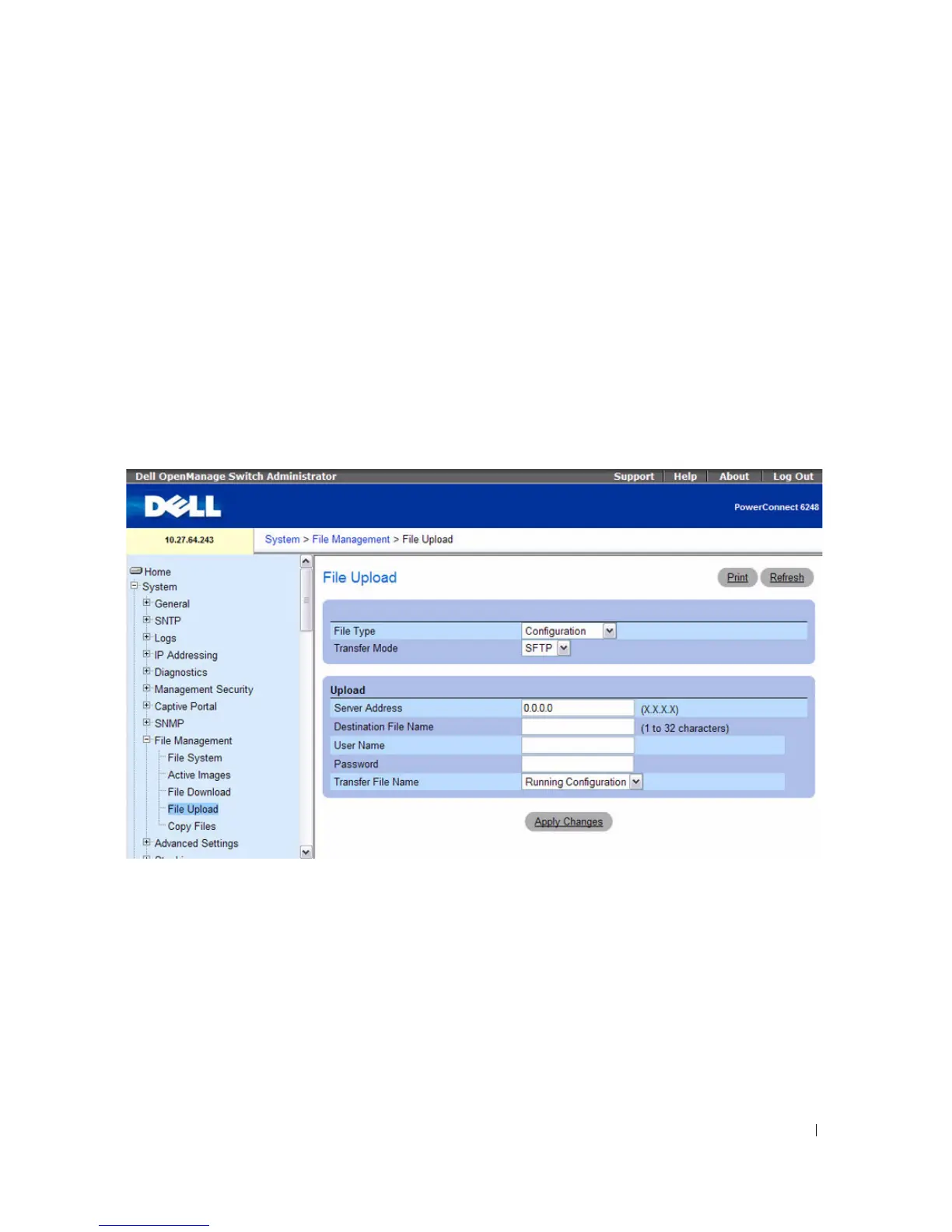
Use the File Upload to Server page to upload configuration (ASCII), image (binary), operational log,
and startup log files from the device to the server.
To display the File Upload to Server page, click System > File Management > File Upload in the tree
view.
Figure 6-112. File Upload to Server
The File Upload to Server page contains the following fields:
•
File Type —
Select the type of file to be uploaded. Possible filetypes are:
–
Firmware
— Uploads the active image.
–
Configuration
— Uploads the configuration file. If
File Type - Configuration
is selected, the
Transfer File Name
field is also displayed.
–
Startup Log
— Uploads the startup log file.
–
Operational Log
— Uploads the operational log.
•
Transfer Mode —
Select the transfer mode to upload the file to the server. The options are:



 To Next Page