Configuring System Information 147
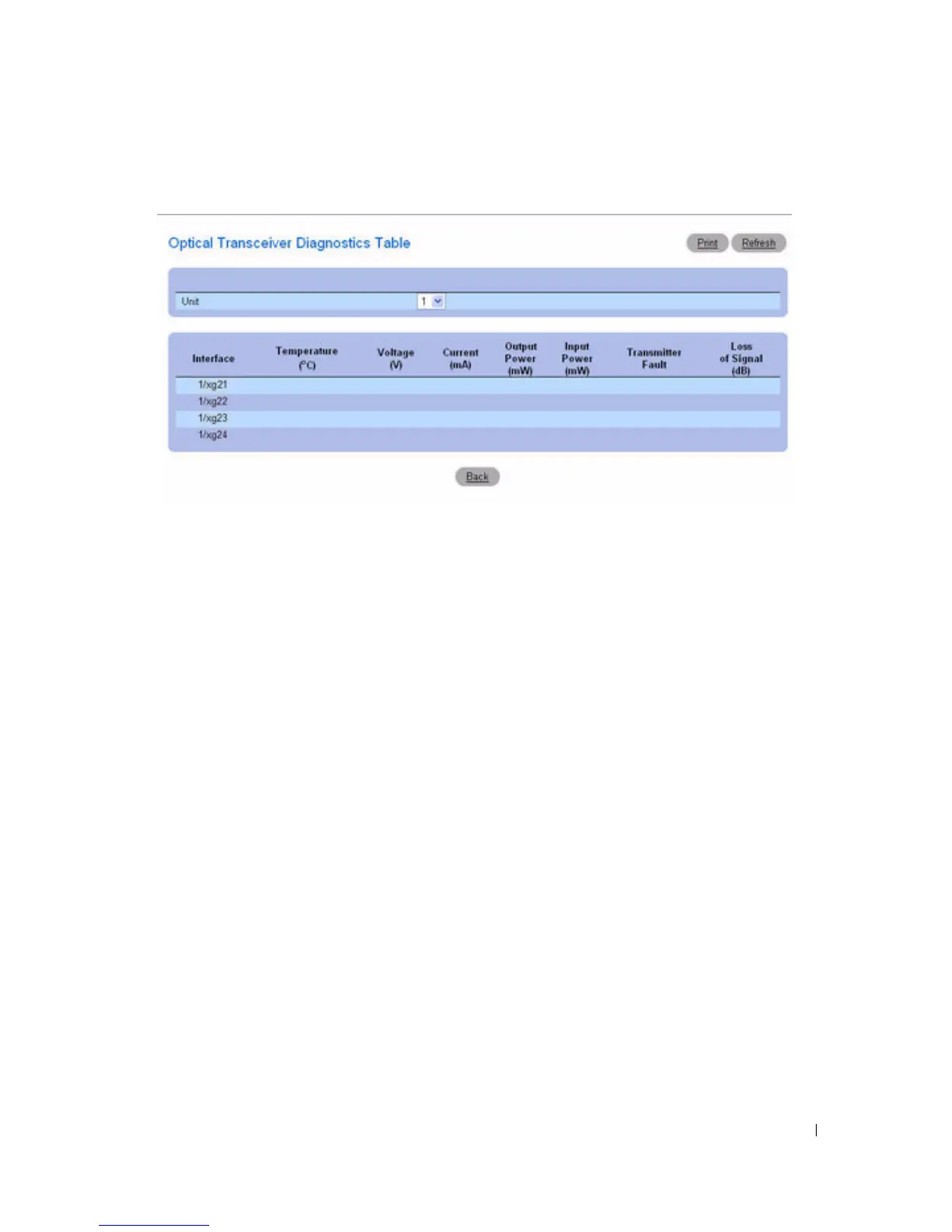
Figure 6-38. Optical Transceiver Diagnostics Table
The test runs and displays the Optical Transceiver Diagnostics Table page.
Performing Fiber Optic Cable Tests Using CLI Commands
For information about the CLI commands that perform this function, see the following chapter in the
CLI Reference Guide
:
• PHY Diagnostics Commands.
Managing Device Security
Use the Management Security menu page to set management security parameters for port, user, and
server security.
To display the Management Security page, click System > Management Security in the tree view. Use
this page to go to the following features:
• Access Profile
• Authentication Profiles
• Select Authentication
•Password Management
•Local User Database
•Line Passwords
• Enable Password
• TACACS+ Settings
• RADIUS Global Configuration
• RADIUS Server Configuration



 To Next Page