Configuring Switching Information 313
Displaying the STP Port Table and Configuring STP Port Settings
1.
Open the
STP Port Settings
page.
2.
Click
Show All
.
The
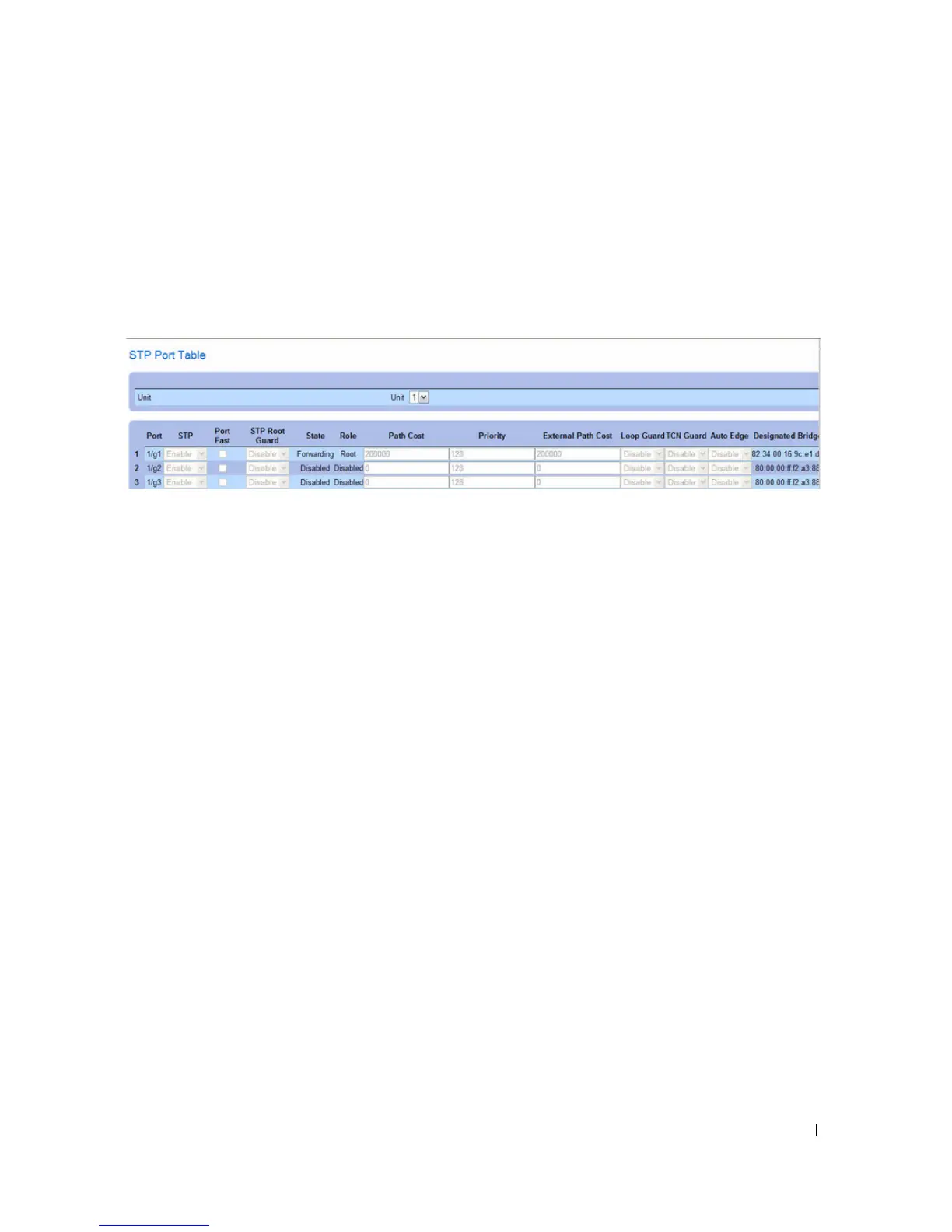
STP Port Table
displays.
Figure 7-40. STP Port Table
3.
Use the
Unit
drop-down menu to view the
STP Port Table
for other units in the stack, if they exist.
4.
To change the STP settings for one or more ports, select the Edit option for the port(s), configure the
desired settings, and then click
Apply Changes
.
STP LAG Settings
Use the STP LAG Settings page to assign STP aggregating ports parameters.
To display the STP LAG Settings page, click Switching > Spanning Tree > STP LAG Settings in the
tree view.



 To Next Page