Configuring System Information 183
Telnet Server
Use the
Telnet Server
page to enable or disable telnet service on the switch or to modify the telnet port.
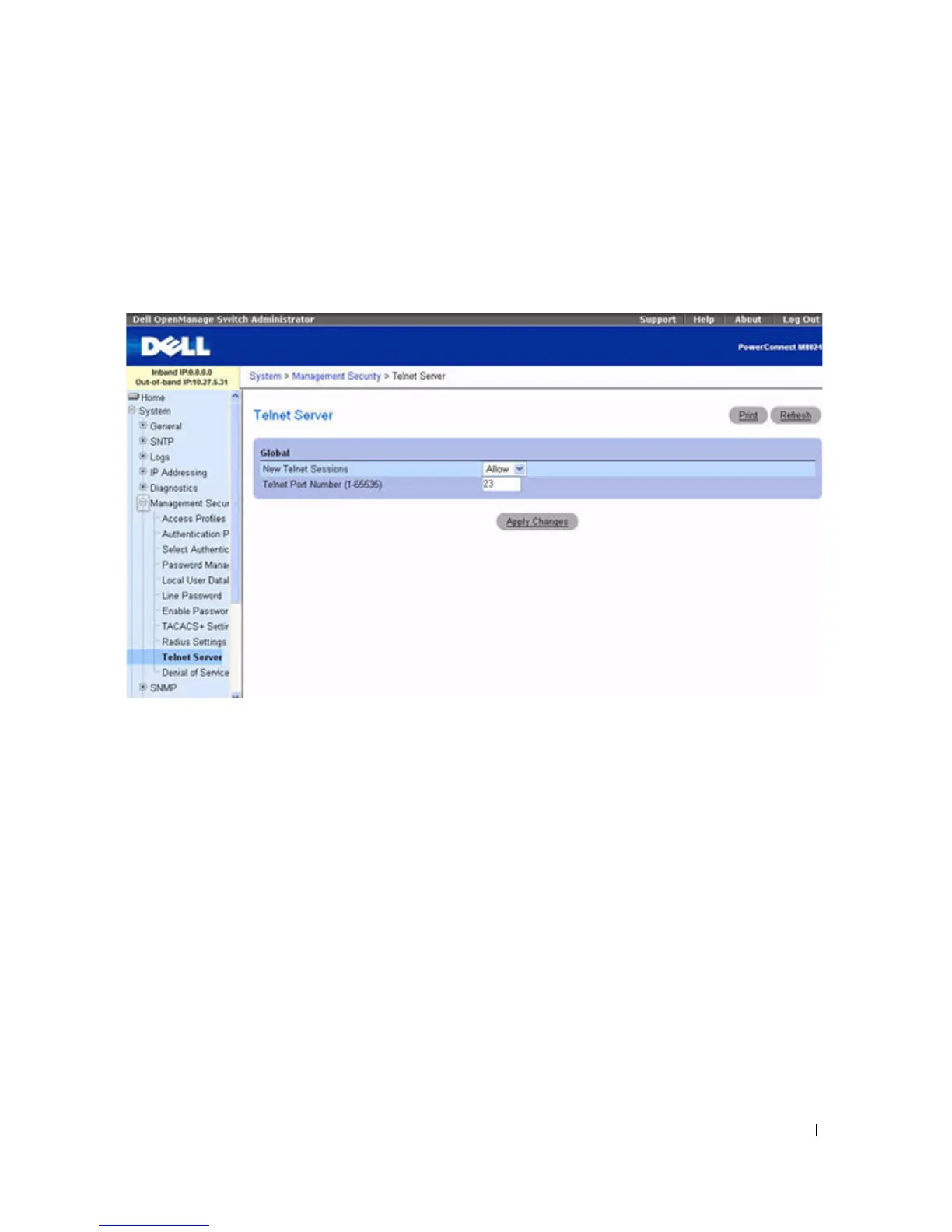
To display the Telne t Ser ver page, click System > Management Security > Telnet Server.
Figure 6-66. Telnet Server
The Telnet Server page contains the following fields:
•
New Telnet Sessions
— Controls the administrative mode for inbound telnet sessions. If you set the
mode to Block, new telnet sessions are not allowed, but existing sessions are not interrupted. The
default value is Allow.
•
Telnet Port Number
— Port number on which telnet session can be initiated. This port will be used for
new inbound Telnet session on the switch. After you modify the telnet server port, new inbound telnet
sessions use the new port and existing telnet sessions are not affected.
Modifying Telnet Server Settings
1.
Open the
Telnet Server Configuration
page.
2.
Configure the relevant fields.
3.
Click
Apply Changes
.
The settings are saved, and the device is updated.



 To Next Page