Configuring IP Multicast 673
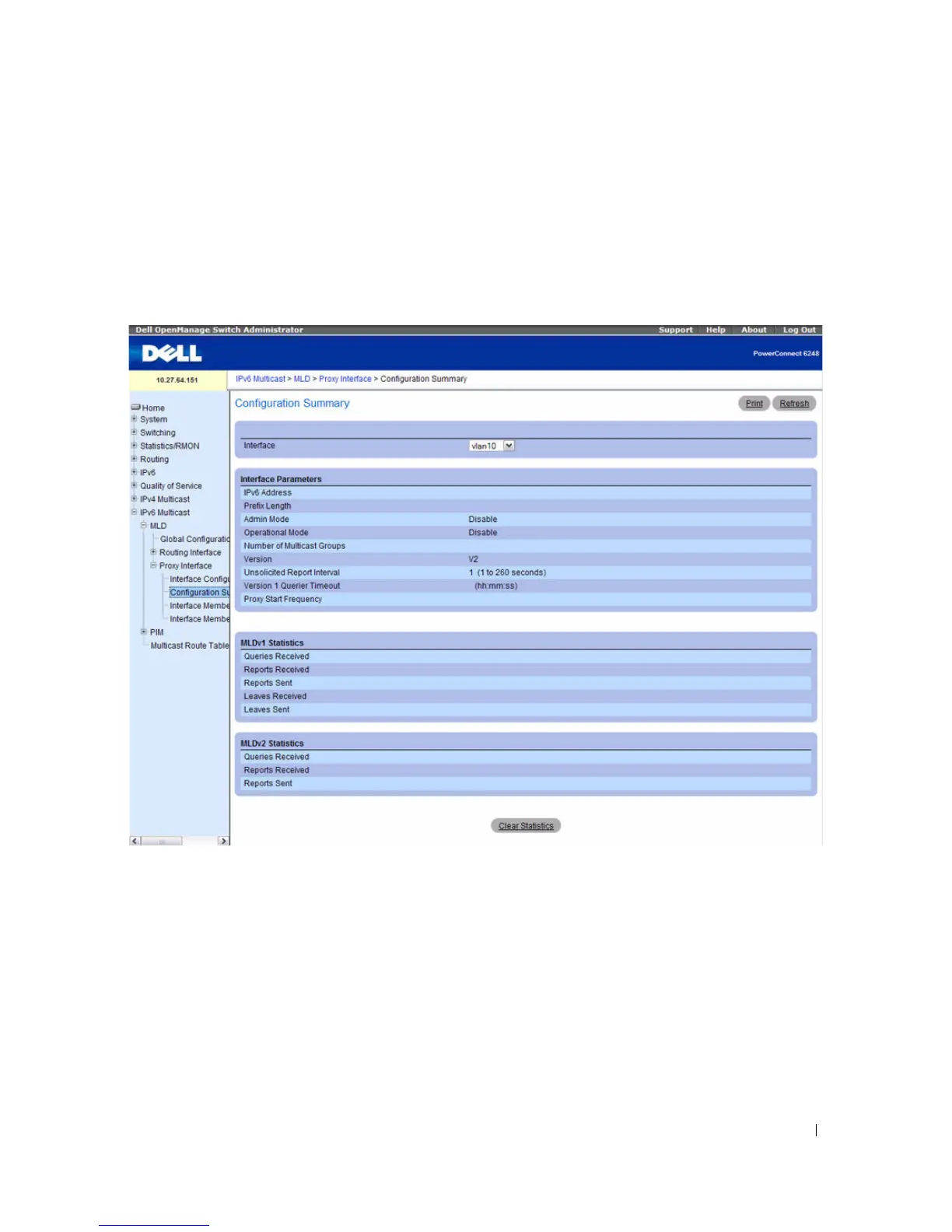
MLD Proxy Configuration Summary
Use the MLD Proxy Configuration Summary page to view configuration and statistics on MLD proxy-
enabled interfaces. To display this page, click IPv6 Multicast > MLD > Proxy Interface >
Configuration Summary in the navigation tree.
Figure 12-16. MLD Proxy Configuration Summary
The MLD Proxy Configuration Summary page contains the following fields:
•
Interface
— Select the interface on which MLD proxy is enabled and for which data is to be displayed.
•
IPv6 Address
— The IPv6 address of the MLD Proxy interface.
•
Prefix Length
— Displays the prefix length for the IPv6 address of the MLD Proxy interface.
•
Admin Mode
— The administrative status of MLD Proxy on the selected interface.
•
Operational Mode
— The operational state of MLD Proxy interface.
•
Number of Multicast Groups
— The current number of multicast group entries for the MLD Proxy
interface in the cache table.



 To Next Page