112 Configuring System Information
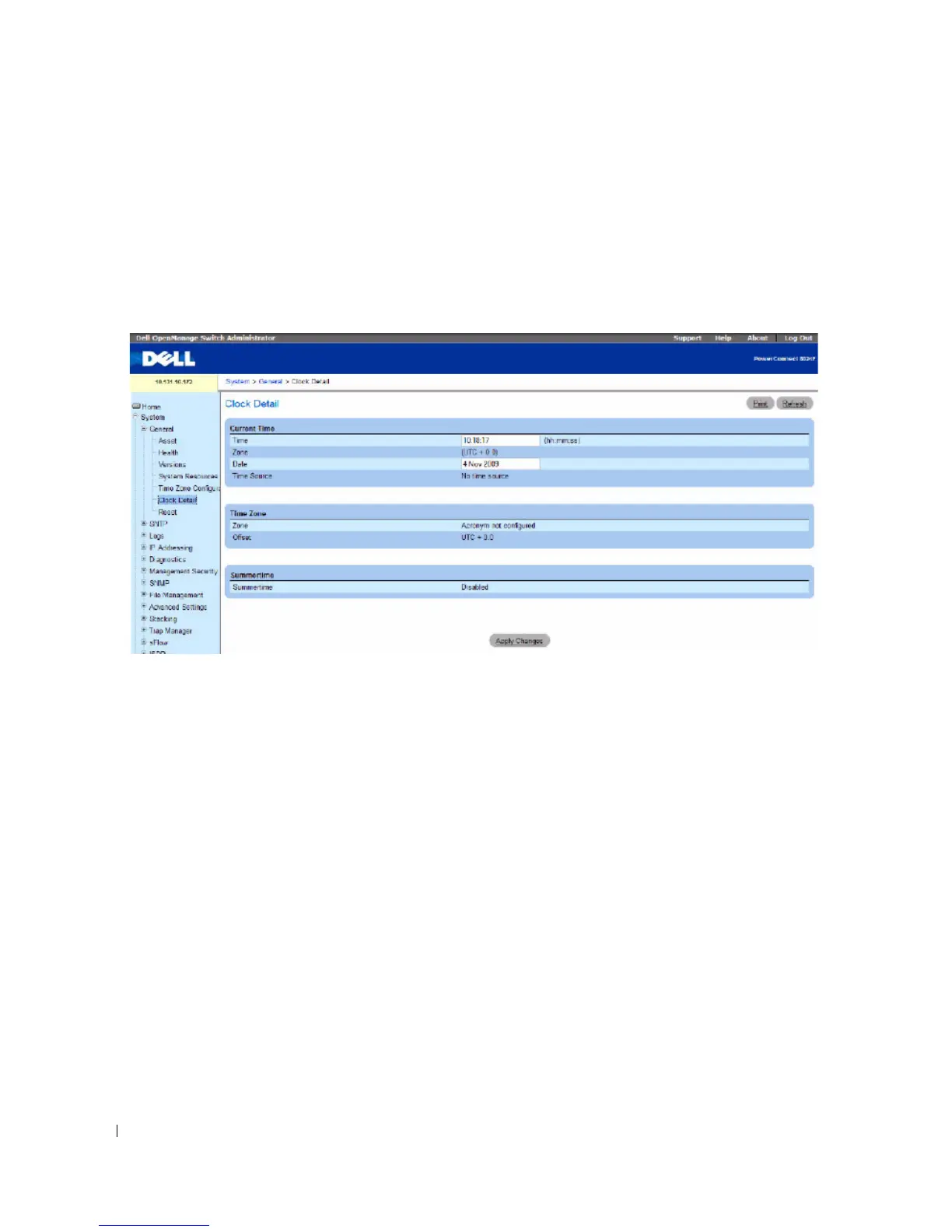
Clock Detail
Use the Clock Detail page to set the time and date or view information about the current time, time
zone, and summer time settings.
To display the Clock Detail page, click System > General > Clock Detail in the tree view.
Figure 6-7. Clock Detail
The Clock Detail page provides information about the following clock features:
•
Current Time
— This section allows you to set the current time and date.
•
Time Zone
— This section displays the time zone settings.
•
Summertime
— This section displays the summer time settings.
Displaying Clock Detail Using the CLI
For information about the CLI commands that perform this function, see the following chapter in the
CLI Reference Guide
:
• Clock Commands



 To Next Page