610 Configuring IPv6
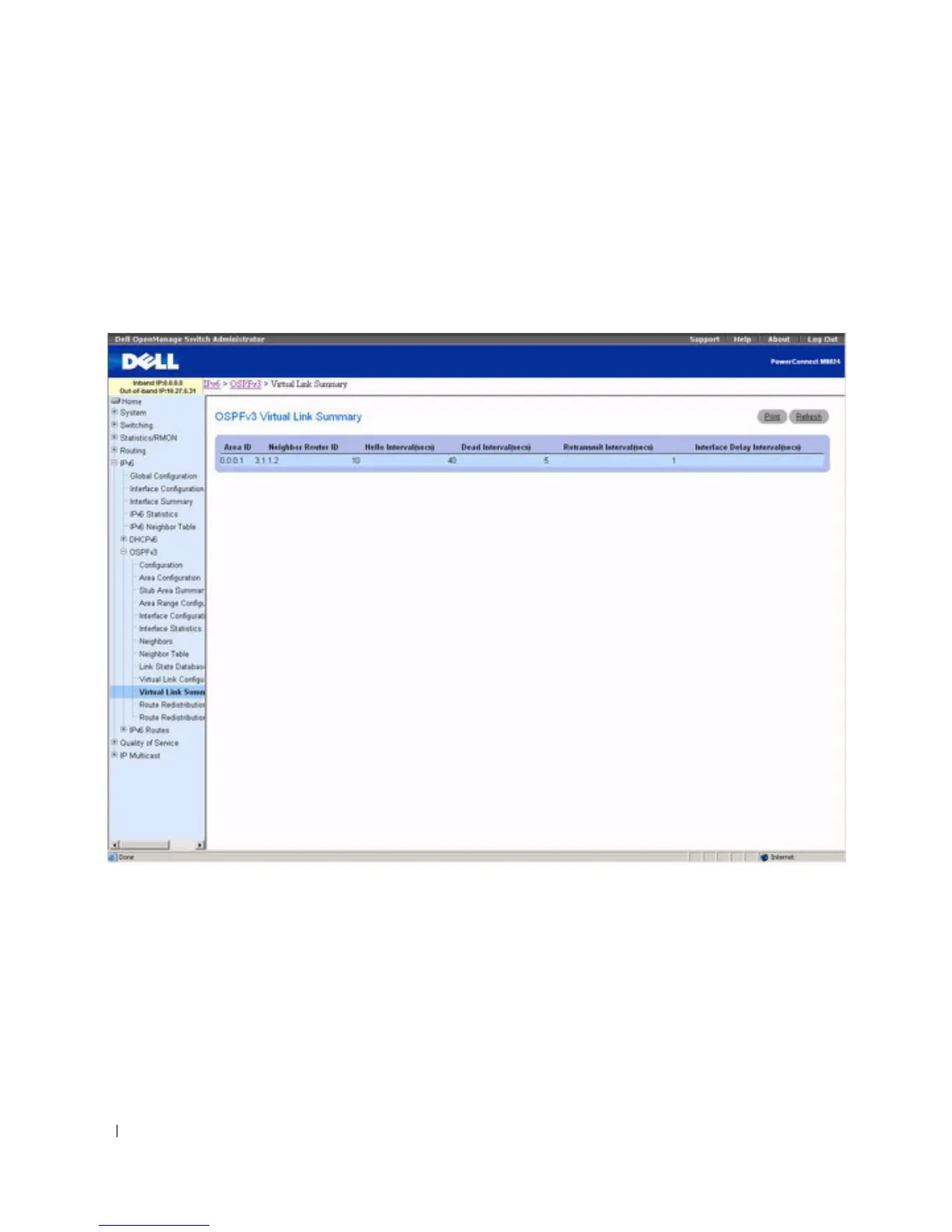
OSPFv3 Virtual Link Summary
Use the OSPFv3 Virtual Link Summary
page to display virtual link data by Area ID and Neighbor
Router ID.
To display the page, click IPv6 > OSPFv3 > Virtual Link Summary in the tree view.
Figure 10-29. OSPFv3 Virtual Link Summary
The OSPFv3 Virtual Link Summary page displays the following fields:
•
Area ID
— The Area ID portion of the virtual link identification for which data is to be displayed. The
Area ID and Neighbor Router ID together define a virtual link.
•
Neighbor Router ID
— The neighbor portion of the virtual link identification. Virtual links may be
configured between any pair of area border routers having interfaces to a common (non-backbone)
area.
•
Hello Interval
(secs)
— The OSPF hello interval for the virtual link in units of seconds. The value for
hello interval must be the same for all routers attached to a network.



 To Next Page