688 Configuring IP Multicast
Routing Interface
The Routing Interface menu page contains links to web pages that configure and display IGMP routing
parameters and data. To display this page, click IP Multicast > IGMP > Routing Interface in the tree
view. Following are the web pages accessible from this menu page:
• IGMP Interface Configuration
• IGMP Configuration Summary
•IGMP Cache Information
• IGMP Interface Detailed Membership Info
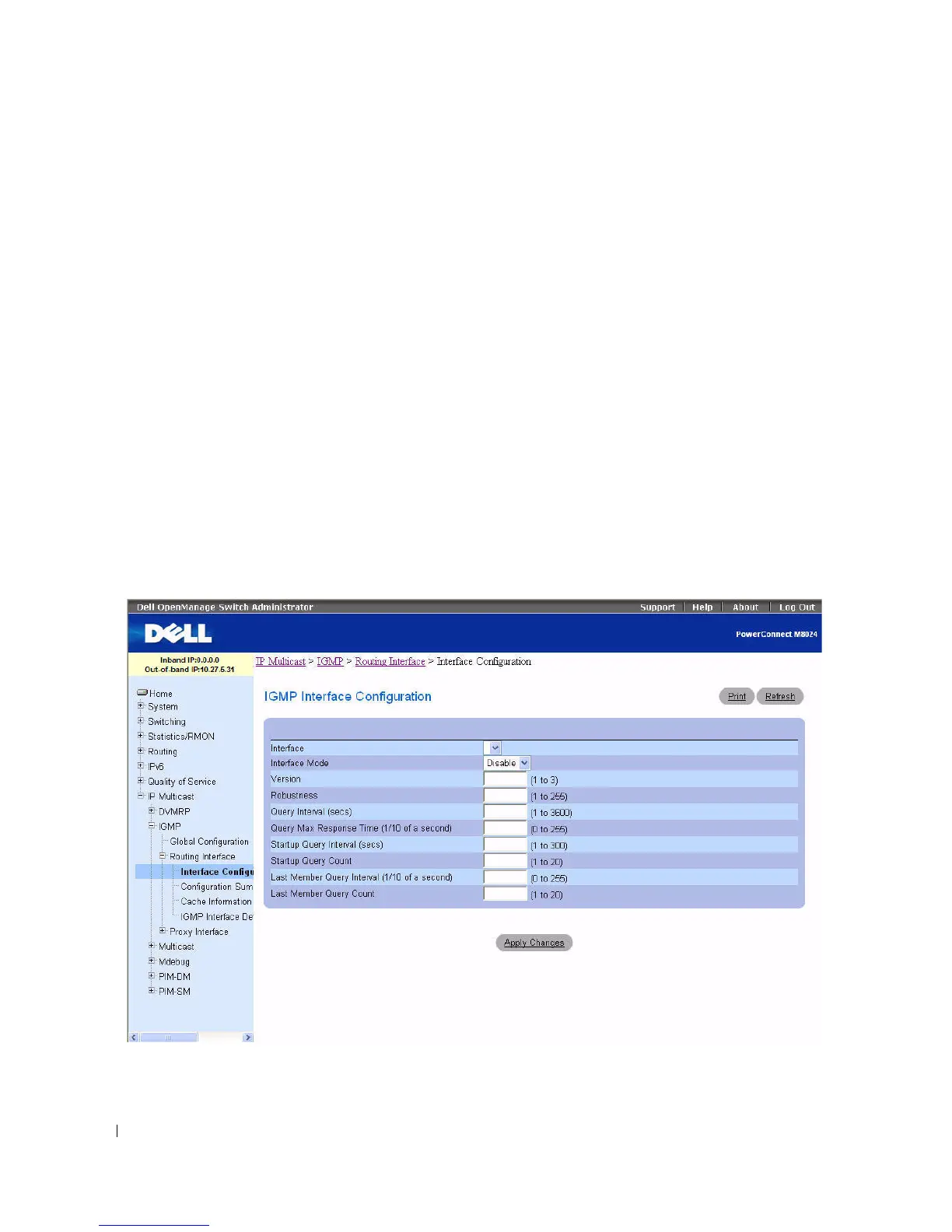
IGMP Interface Configuration
Use the IGMP Interface Configuration
page to configure and/or display router interface parameters.
You must configure at least one valid routing interface before you can access this page and configure IP
Multicast IGMP.
To display the page, click IP Multicast > IGMP > Routing Interface > Interface Configuration in the
tree view.
Figure 12-26. IGMP Interface Configuration



 To Next Page