Configuring Switching Information 273
• ACL Commands
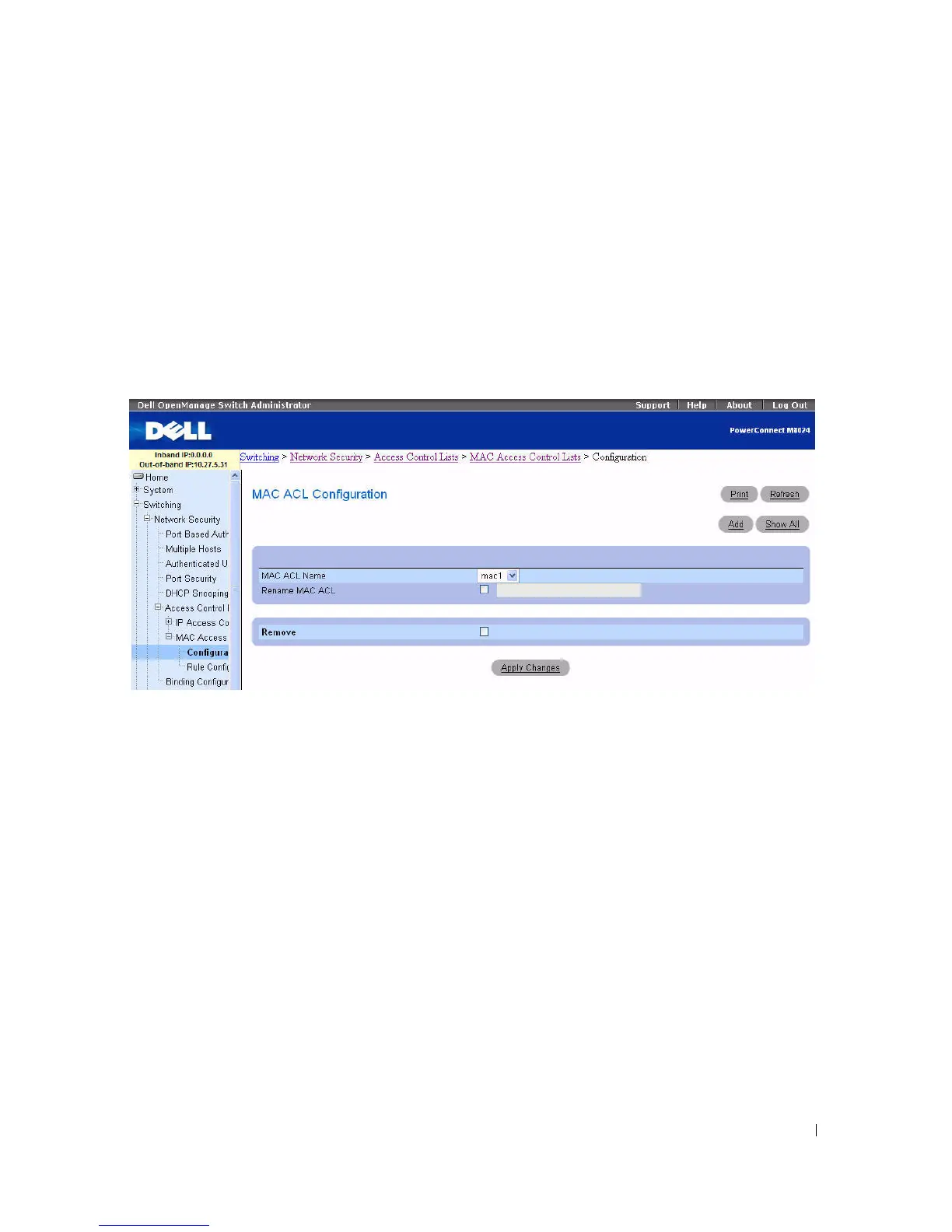
MAC ACL Configuration
The MAC ACL Configuration page allows network administrators to define a MAC-based ACL. For an
explanation of ACLs, see "IP ACL Configuration."
To display the MAC ACL Configuration page, click Switching > Network Security > Access Control
Lists > MAC Access Control Lists > Configuration in the tree view.
Figure 7-10. MAC ACL Configuration
The MAC ACL Configuration page contains the following fields:
•
MAC ACL Name
— User-defined ACL name.
•
Rename MAC ACL
— To rename the MAC ACL, select the check box and enter a new MAC ACL
name in the field.
•
Remove
— Click this field, then click the Apply Changes button to delete the MAC ACL listed in the
MAC ACL field.
Adding a MAC-based ACL
1.
Open the
MAC ACL Configuration
page
.
2.
Click
Add
to display the
Add MAC ACL
page.



 To Next Page