274 Configuring Switching Information
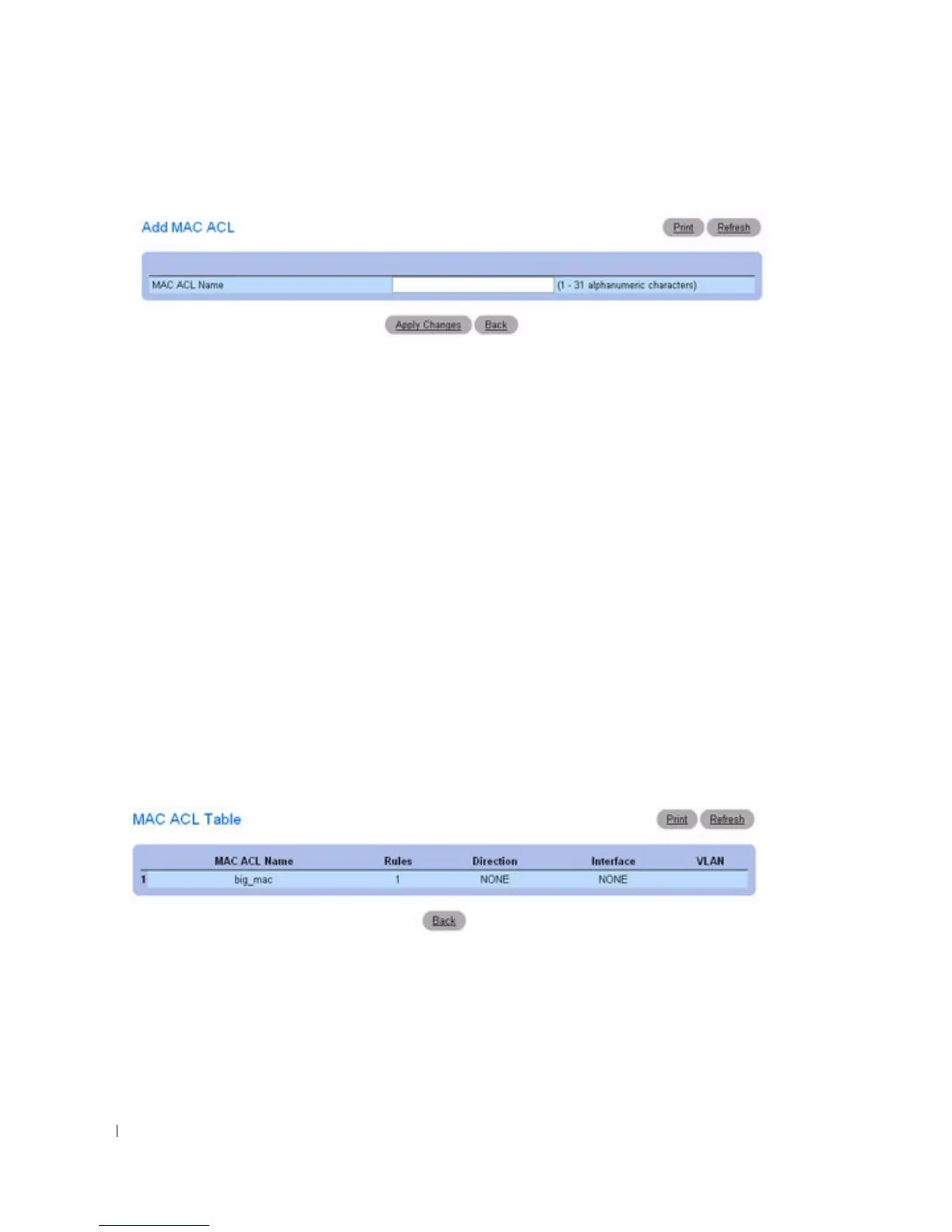
Figure 7-11. Add MAC ACL
3.
Enter the desired MAC
ACL Name
in the entry field
.
4.
Click
Apply Changes
.
The MAC-based ACL is added, and the device is updated.
Removing a MAC-based ACL
1.
Open the
MAC ACL Configuration
page, and select the ACL to be removed from the
MAC ACL
drop-down menu.
2.
Select the
Remove
check box.
3.
Click
Apply Changes
.
The MAC-based ACL is removed, and the device is updated.
Displaying MAC ACLs
1.
Open the
MAC ACL Configuration
page.
2.
Click
Show All
.
All MAC ACLs and their related data are displayed on screen.
Figure 7-12. MAC ACL Table
Configuring MAC-based ACLs Using the CLI Commands
For information about the CLI commands that perform this function, see the following chapter in the
CLI Reference Guide
:
• ACL Commands



 To Next Page