208 Configuring System Information
•Traps
Authentication or Privacy Keys are modified in the SNMPv3 User Security Model (USM).
Use the SNMP page to define SNMP parameters. To display the SNMP page, click System > SNMP in
the tree view.
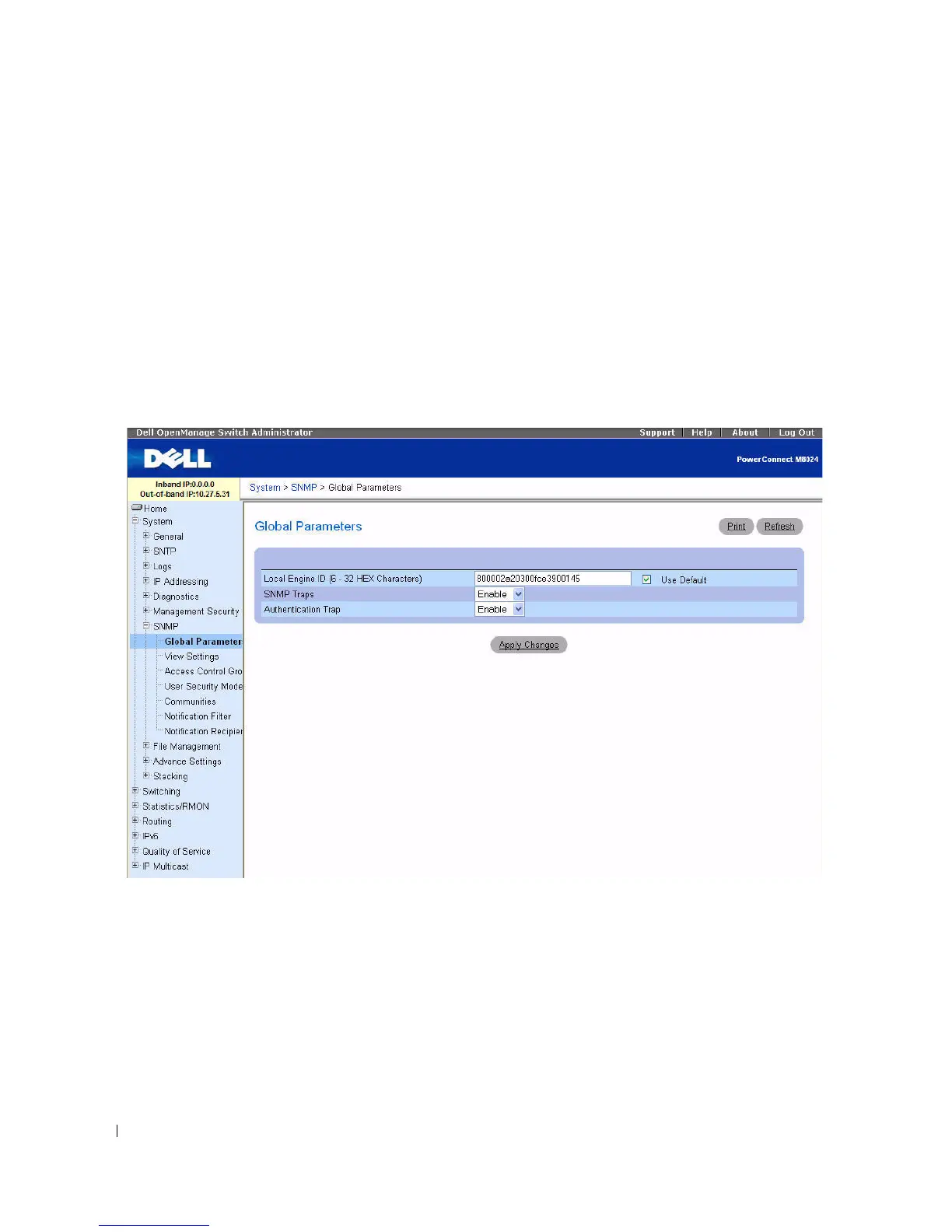
SNMP Global Parameters
Use the Global Parameters
page
to enable SNMP and Authentication notifications.
To display the Global Parameters
page, click System > SNMP > Global Parameters in the tree view
.
Figure 6-89. Global Parameters
The Global Parameters page contains the following parameters:
•
Local Engine ID (6
–
32 hexadecimal characters) —
Sets local SNMP engine ID.
•
Use Default
— Configures the device to use the default SNMP EngineID.
•
SNMP Traps —
Enables or disables the device sending SNMP notifications.
•
Authentication Trap —
Enables or disables the device sending SNMP traps when authentication fails.
Setting Local SNMP Engine ID
1.
Open the
Global Parameters
page
.



 To Next Page