Configuring System Information 135
Adding a DNS Server
1.
Open the
Domain Name Server (DNS)
page
.
2.
Click
Add
.
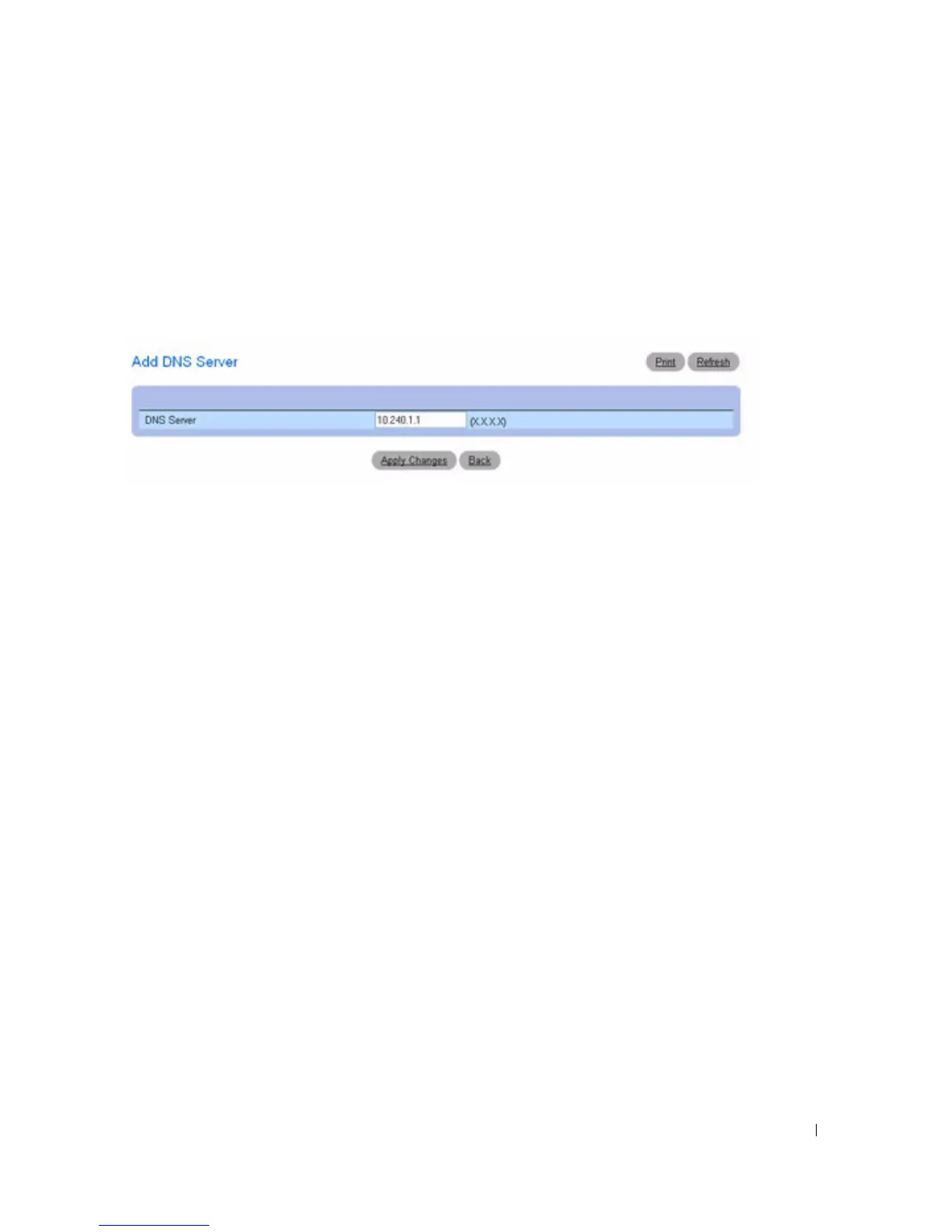
The
Add DNS Server
page displays:
Figure 6-26. Add DNS Server
3.
Define the relevant fields.
4.
Click
Apply Changes
.
The new DNS server is defined, and the device is updated.
Configuring DNS Servers Using the CLI Commands
For information about the CLI commands that perform this function, see the following chapter in the
CLI Reference Guide
:
• IP Addressing Commands.
Default Domain Name
Use the Default Domain Name
page
to view and define default DNS domain names.
To display the Default Domain Name
page, click System > IP Addressing > Default Domain Name.



 To Next Page