638 Configuring Quality of Service
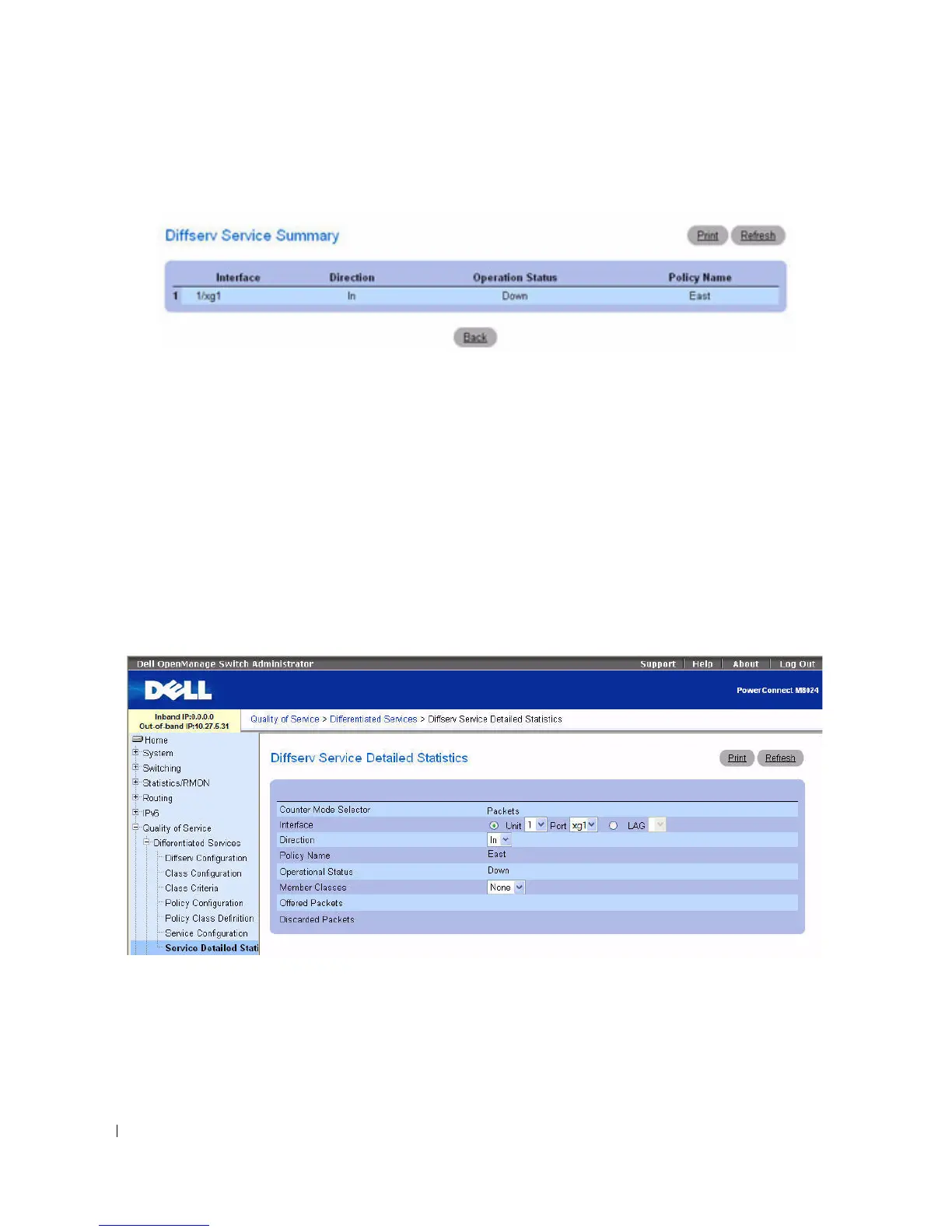
Figure 11-14. Diffserv Service Summary
Assigning a Policy to a Port Using the CLI Commands
For information about the CLI commands that perform this function, see the following chapter in the
CLI Reference Guide:
• QoS Commands
Service Detailed Statistics
Use the
Diffserv Service Detailed Statistics page to display packet details for a particular port and class.
To display the
page, click Quality of Service > Differentiated Services > Service Detailed Statistics in
the tree view.
Figure 11-15. Diffserv Service Detailed Statistics
The Diffserv Service Detailed Statistics page contains the following fields:
•
Counter Mode Selector
— Type of statistics to display. Packets is the only available type.
•
Interface
— Selects the Unit and Port or LAG for which service statistics are to display.
•
Direction
— Selects the direction of packets for which service statistics are to display.



 To Next Page