140 Configuring System Information
ARP Table
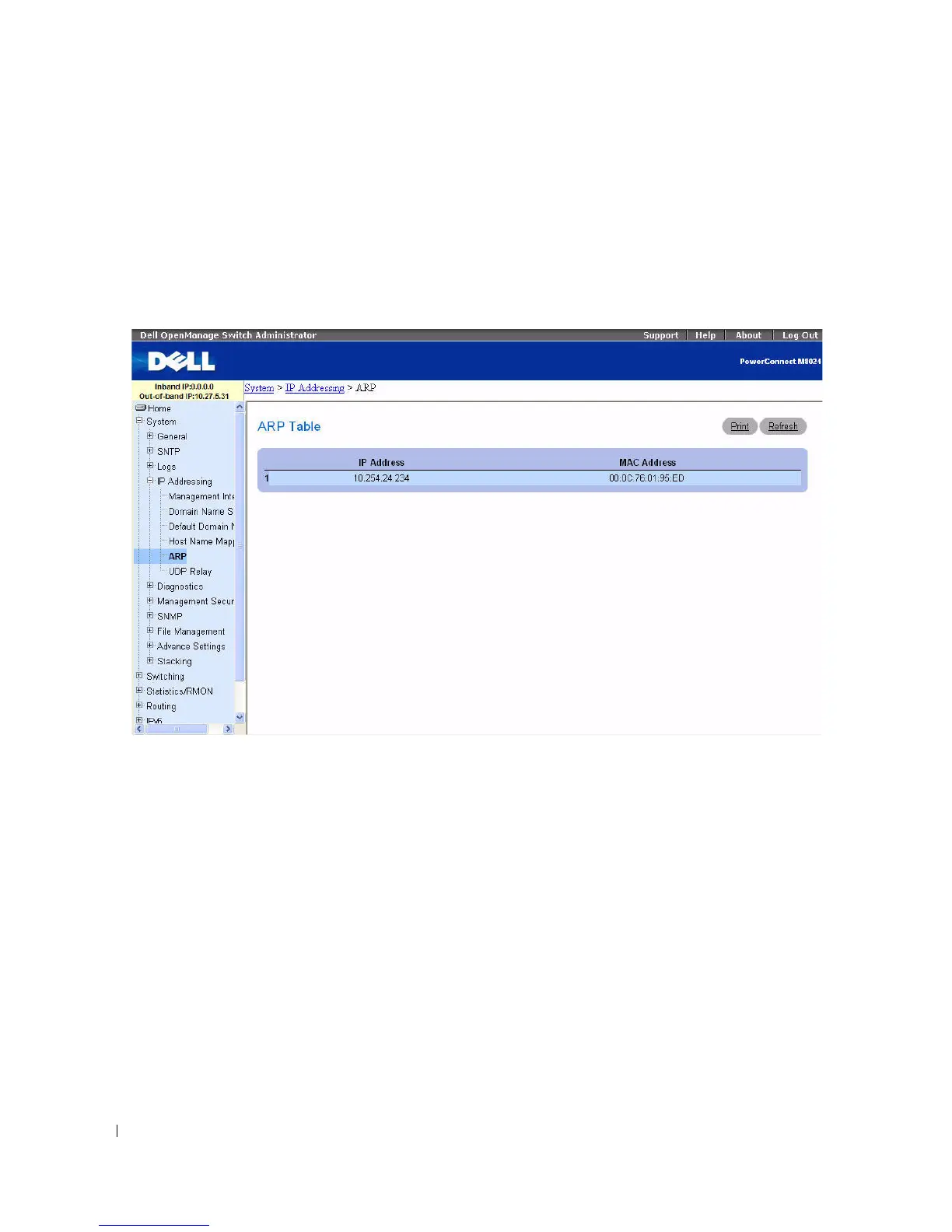
Use the ARP Table page to view ARP parameters for IP interfaces. The ARP table displays the correlation
between each MAC address and its corresponding IP address.
To display the ARP Table page, click System > IP Addressing > ARP in the tree view.
Figure 6-32. ARP Table
The ARP Table page contains the following fields:
•
IP Address
— The station IP address, which is associated with the MAC address filled in below.
•
MAC Address
— The station MAC address, which is associated in the ARP table with the IP address.
Viewing the ARP Table Using the CLI Command
For information about the CLI commands that perform this function, see the following chapter in the
CLI Reference Guide
:
• IP Addressing Commands.



 To Next Page