176 Configuring System Information
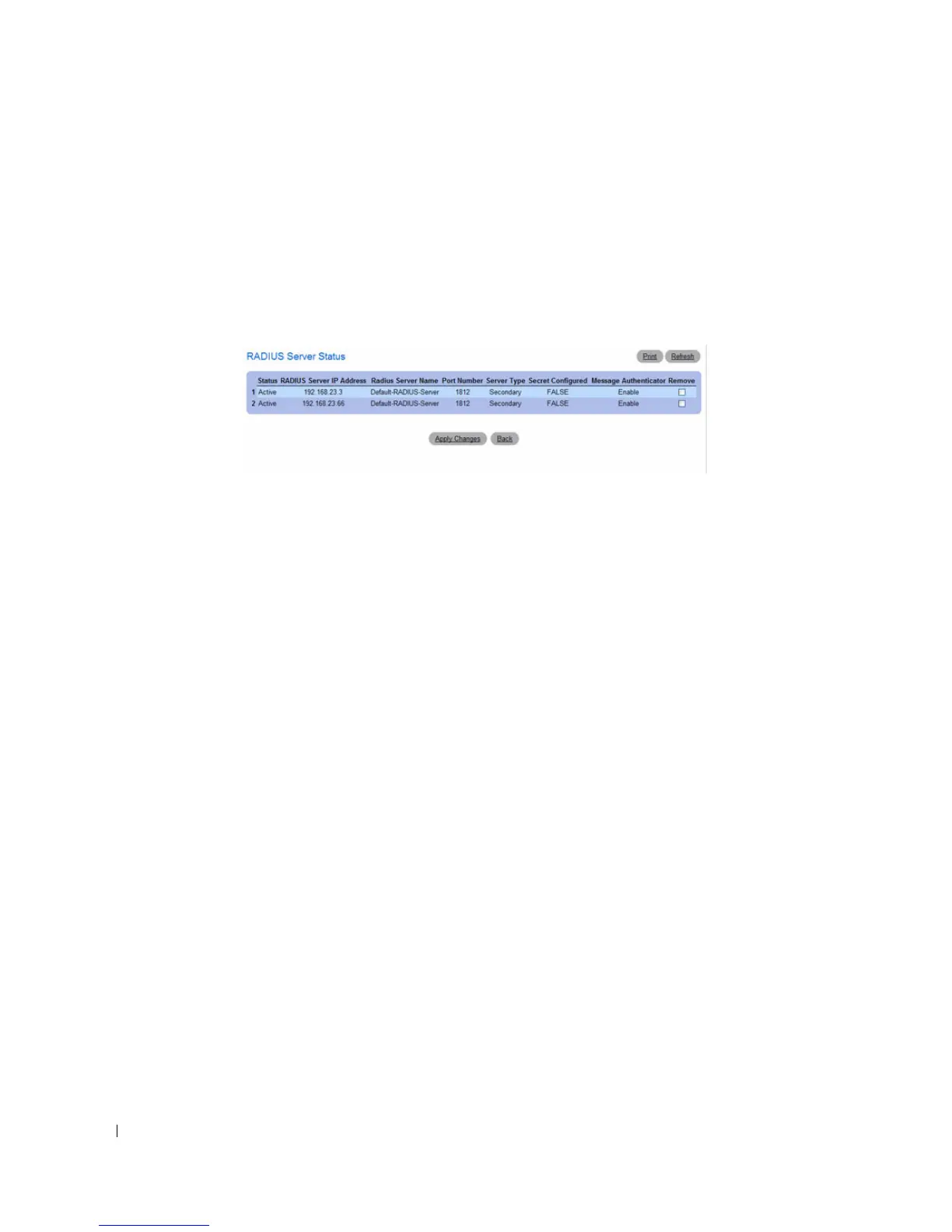
Viewing RADIUS Server Status and Removing a Named Server
1.
Open the
RADIUS Server Configuration
page.
2.
Click
Show All
.
The
RADIUS Named Server Status
page displays.
Figure 6-59. RADIUS Server Status
3.
To remove a named server, select the check box in the
Remove
column.
4.
Click
Apply Changes
.
The RADIUS server is removed from the list
.
RADIUS Accounting Server Configuration
From the RADIUS Accounting Server Configuration page, you can add a new RADIUS accounting
server, configure settings for a new or existing RADIUS accounting server, and view RADIUS accounting
server status information. The RADIUS client on the switch supports up to 32 named authentication
and accounting servers.
To access the RADIUS Server Configuration page, click System > Management Security > RADIUS
Accounting Server Configuration in the tree view.



 To Next Page