198 Configuring System Information
3.
Enter a name for the new group.
4.
Click
Apply Changes
.
The group is added, and the device is updated.
Displaying the User Group Page
1.
Open the
User Group
page.
2.
Click
Show All
.
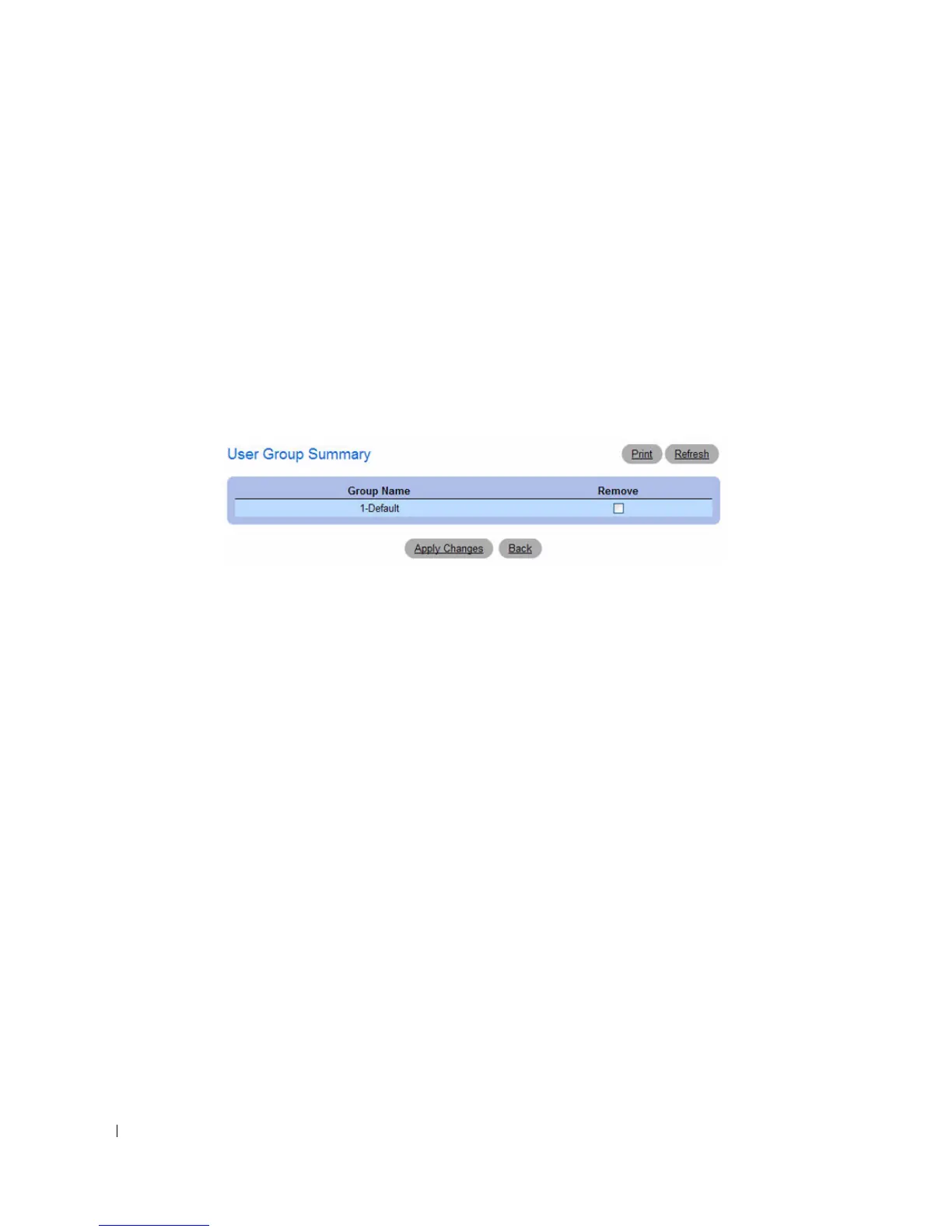
The
User Group Summary
page displays:
Figure 6-79. CP User Group Summary
3.
To remove a configured group, select the
Remove
option in the appropriate row, and then click
Apply
Changes
.
Interface Association
From the Interface Association page, you can associate a configured captive portal with specific
interfaces. The captive portal feature only runs on the interfaces that you specify. A captive portal can
have multiple interfaces associated with it, but an interface can be associated to only one CP at a time.
To view the Interface Association page, click System > Captive Portal > Interface Association.



 To Next Page