442 Viewing Statistics and Remote Monitoring
RMON Alarms
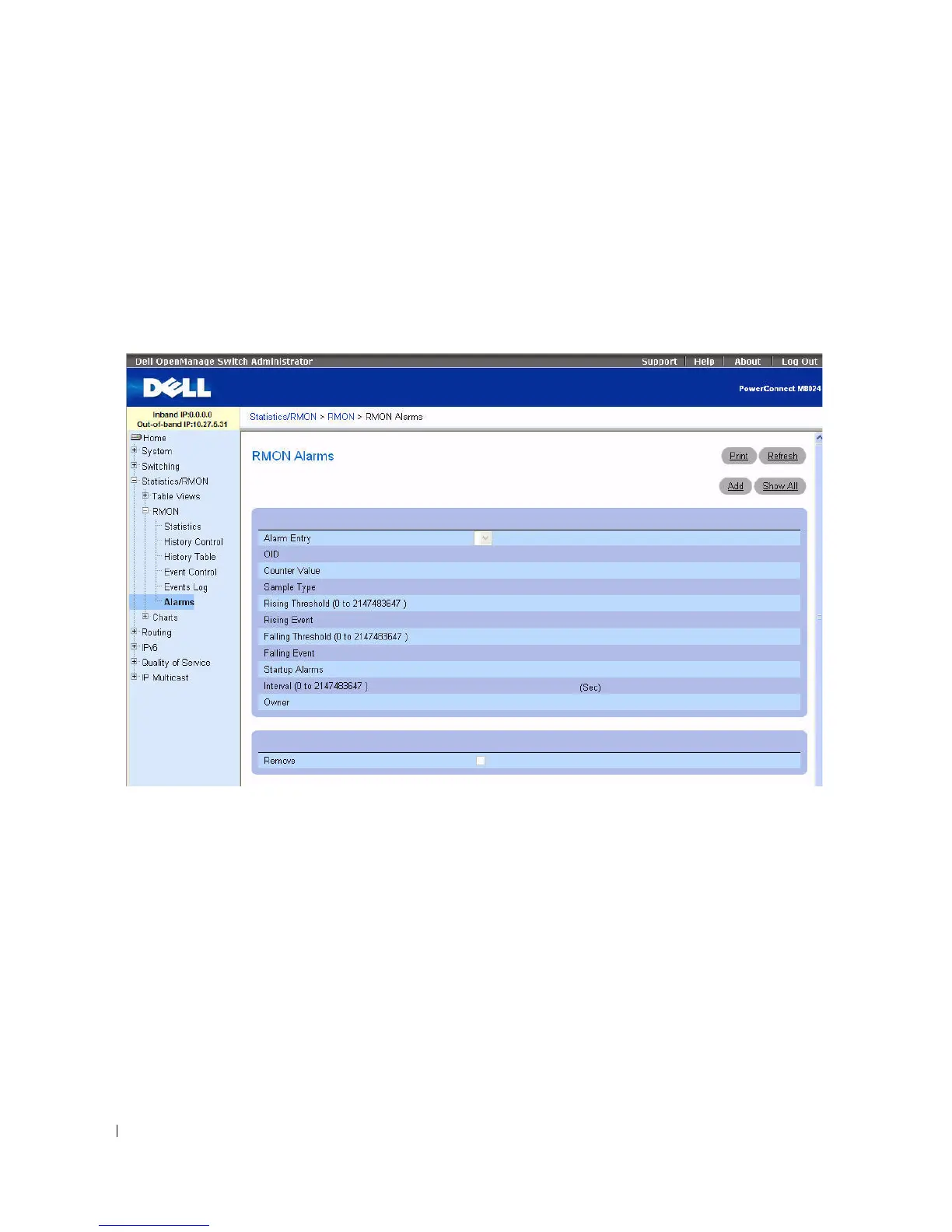
Use the RMON Alarms page to set network alarms. Alarms occur when certain thresholds are crossed for
the configured RMON counters. The alarm triggers an event to occur. The events can be configured as
part of the RMON Events group. For more information about events, see
"
RMON Event Log."
To display the page, click Statistics/RMON > RMON > Alarms in the tree view.
Figure 8-16. RMON Alarms
The RMON Alarms page contains the following fields:
•
Alarm Entry
— Selects a specific alarm from the drop-down menu.
•
OID
— Specifies the Object Identifier.
•
Counter Value —
Displays the number of selected events counted.
•
Sample Type
— Displays the sampling method for the selected variable and comparing the value
against the thresholds. The possible field values are:
–
Delta
— Subtracts the last sampled value from the current value. The difference in the values is
compared to the threshold.
–
Absolute
— Compares the values directly with the thresholds at the end of the sampling interval.
This is the default.



 To Next Page