Viewing Statistics and Remote Monitoring 441
RMON Event Log
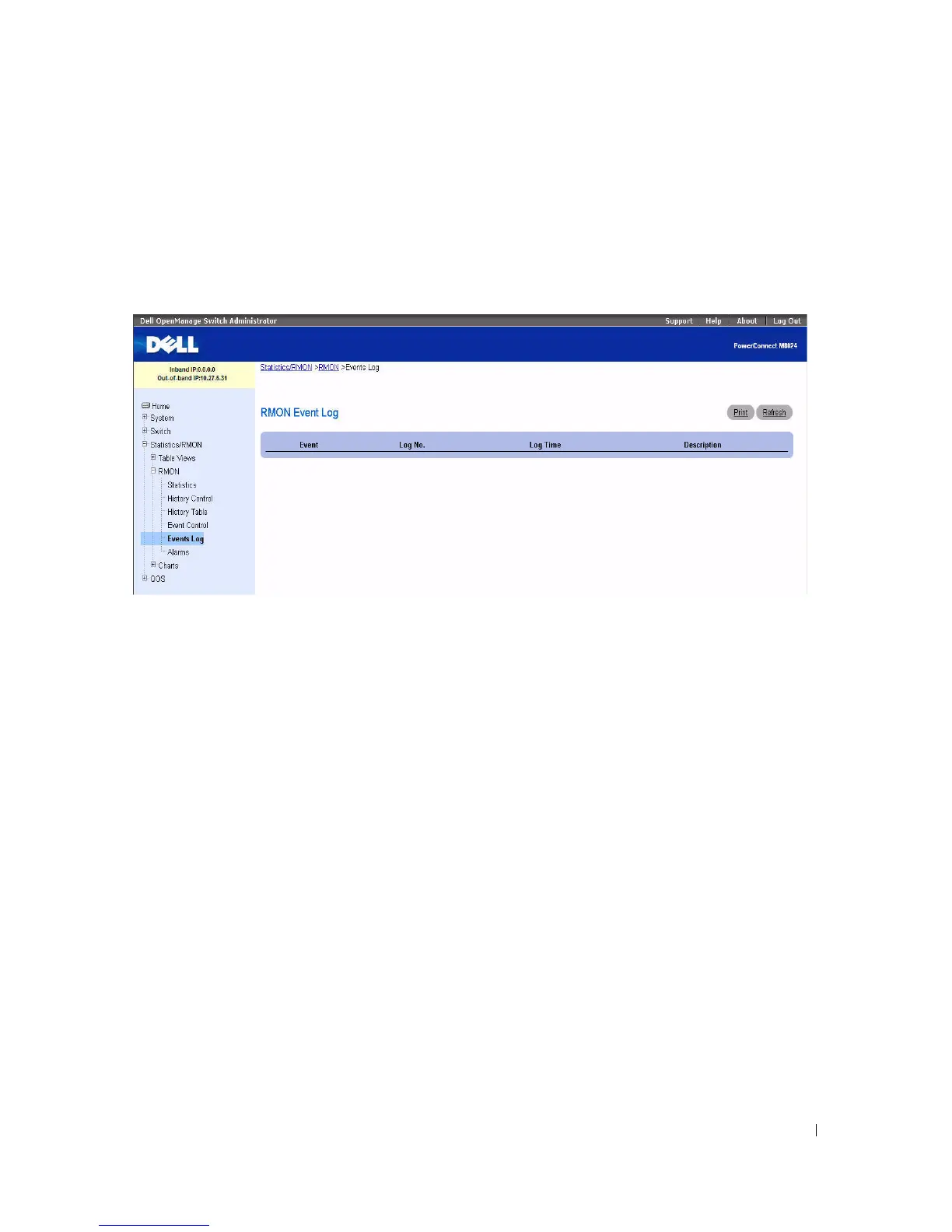
Use the RMON Event Log page to display a list of RMON events.
To display the page, click Statistics/RMON > RMON > Events Log in the tree view.
Figure 8-15. RMON Event Log
The RMON Event Log page contains the following fields:
•
Event
— Displays the RMON Events Log entry number.
•
Log No.
— Displays the log number.
•
Log Time
— Displays the time when the log entry was entered.
•
Description
— Describes the log entry.
Defining Switch Events Using the CLI Command
For information about the CLI commands that perform this function, see the following chapter in the
CLI Reference Guide
:
• RMON Commands



 To Next Page