440 Viewing Statistics and Remote Monitoring
Modifying an RMON Event
1.
Open the
RMON Event Control
page.
2.
Click
Show All
to display the
Event Control Table
page.
3.
Select the
Edit
check box in for the event entry to change.
4.
Modify the fields on the page as needed.
5.
Click
Apply Changes
.
The
RMON
Events Table
entry is modified, and the device is updated.
Displaying the RMON Event Control Table
1.
Open the
RMON Event Control
page.
2.
Click
Show All
.
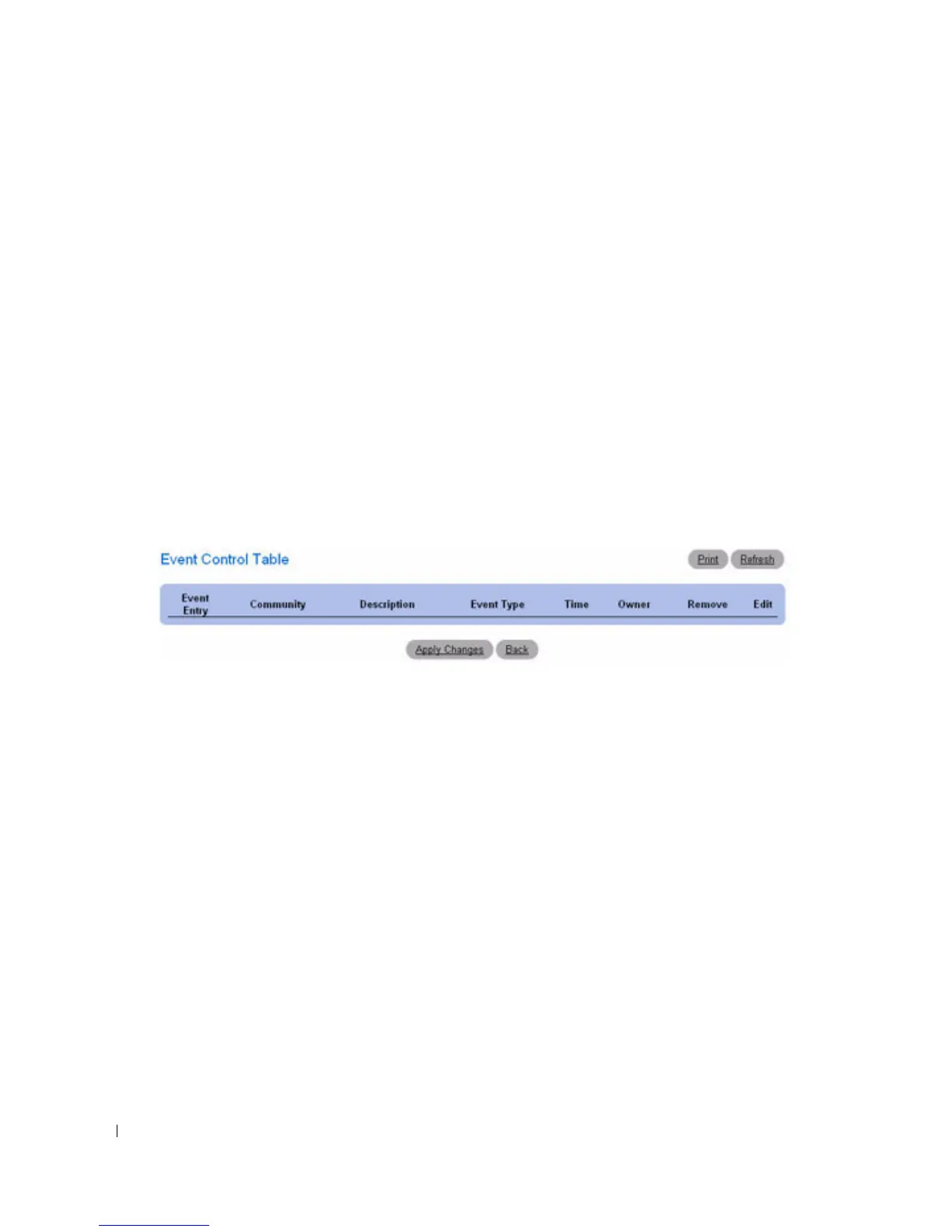
The
Event Control Table
displays.
Figure 8-14. Event Control Table
Removing RMON Event Entries
1.
Open the
RMON Event Control
page.
2.
Choose the event to remove from the drop-down menu in the
Event Entry
field and check
Remove.
3.
Click
Apply Changes
.
The table entry is removed, and the device is updated.
Defining Switch Events Using the CLI Commands
For information about the CLI commands that perform this function, see the following chapter in the
CLI Reference Guide
:
• RMON Commands



 To Next Page