Viewing Statistics and Remote Monitoring 439
The RMON Event Control page contains the following fields:
•
Event Entry
— Selects the event.
•
Community
— Specifies the community to which the event belongs.
•
Description
— Describes the user-defined event.
•
Event Type
— Selects the event type. Possible values are:
–
Log
— Event type is a log entry.
–
Trap
— Event type is a trap.
–
Log and Trap
— Event type is both a log entry and a trap.
–
None
— There is no event.
•
Time
— Displays the time when the event occurred.
•
Owner
— Lists the switch or user that defined the event.
•
Remove
— Removes the event from the Events Table when checked.
Adding an RMON Event
1.
Open the
RMON Event Control
page.
2.
Click
Add
.
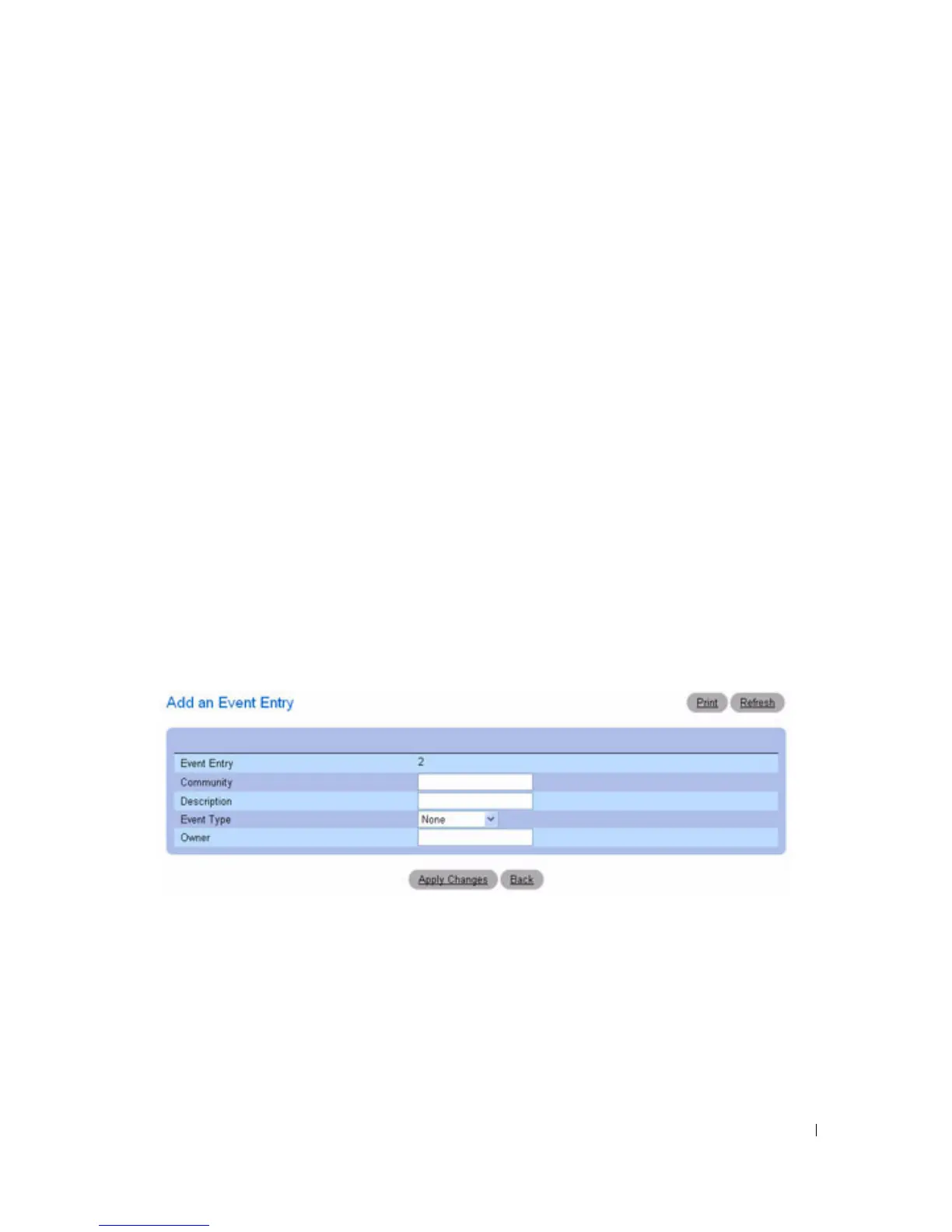
The
Add an Event Entry
page displays.
Figure 8-13. Add an Event Entry
3.
Complete the fields on this page.
4.
Click
Apply Changes
.
The
event is added to the
RMON Event Table
, and the device is updated.



 To Next Page