110 Configuring System Information
Configuring Time Zone Settings Using the CLI
For information about the CLI commands that perform this function, see the following chapter in the
CLI Reference Guide
:
• Clock Commands
Summer Time Configuration
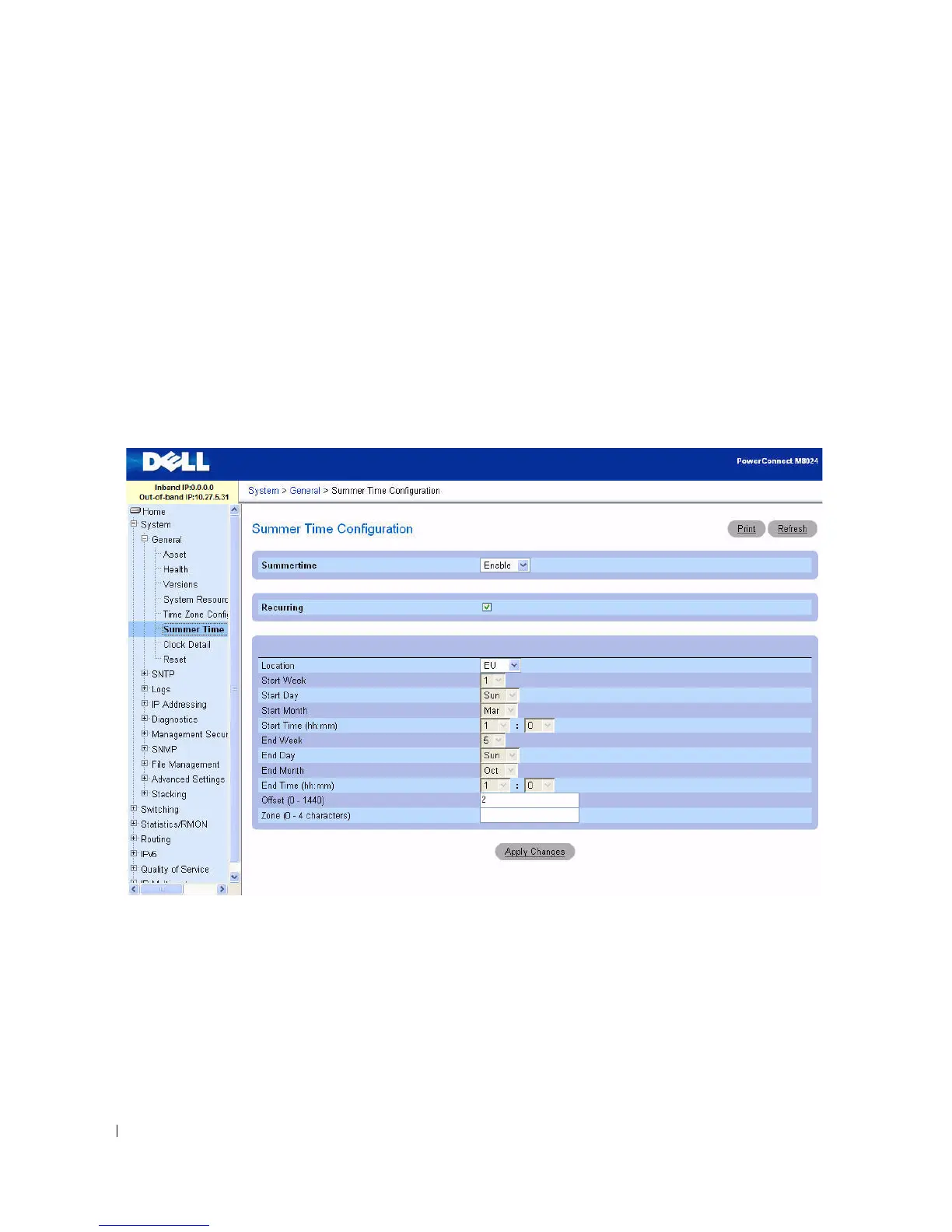
Use the Summer Time Configuration page to specify a defined summer time duration and offset.
To display the Summer Time Configuration page, click System > General > Summer Time
Configuration in the tree view.
Figure 6-6. Summer Time Configuration
The fields on the Summer Time Configuration page change when you select or clear the Recurring
check box. The Summer Time Configuration page contains the following fields:
•
Recurring
— Select the check box to indicate that the configuration is to be repeated every year.
•
Location
— This field displays only when the Recurring check box is selected. The summer time
configuration is predefined for the United States and European Union. To set the summer time for a
location other than the USA or EU, select None.



 To Next Page