Configuring Switching Information 391
Configuring Dynamic ARP Inspection With CLI Commands
For information about the CLI commands that perform this function, refer to the following chapter in
the
CLI Reference Guide
:
• Dynamic ARP Inspection Commands
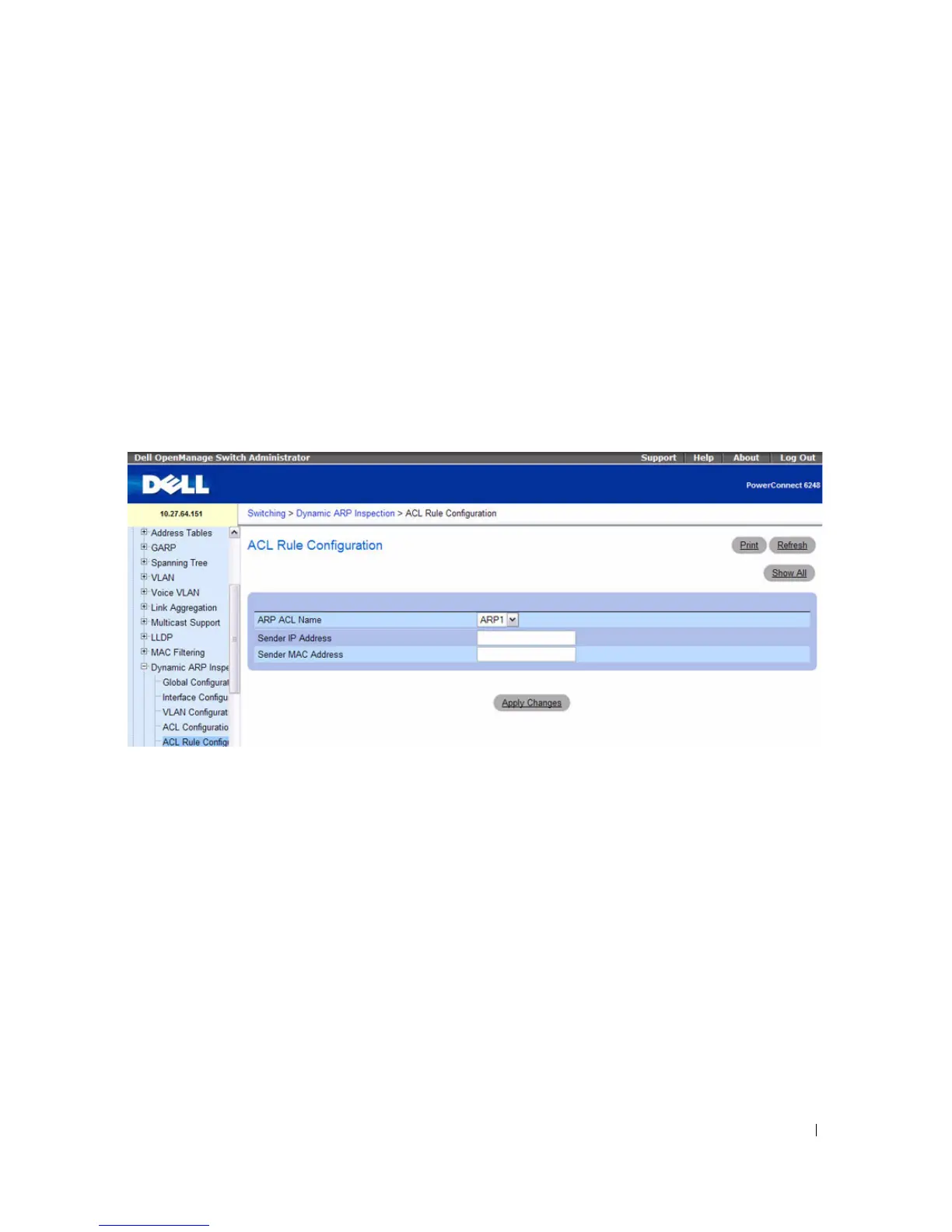
DAI ACL Configuration
Use the DAI ARP ACL Configuration page to add or remove DAI ARP ACLs.
To display the DAI ARP ACL Configuration page, click Switching > Dynamic ARP Inspection > ACL
Configuration in the navigation tree.
Figure 7-104. Dynamic ARP Inspection ARP ACL Configuration
The Dynamic ARP Inspection ARP ACL Configuration page contains the following field:
•
ARP ACL Name
— Use this field to create a new ARP ACL for Dynamic ARP Inspection. The name
can be 1 to 31 alphanumeric characters in length.
Configuring Dynamic ARP Inspection With CLI Commands
For information about the CLI commands that perform this function, refer to the following chapter in
the
CLI Reference Guide
:
• Dynamic ARP Inspection Commands



 To Next Page