Configuring IP Multicast 725
Candidate RP Summary
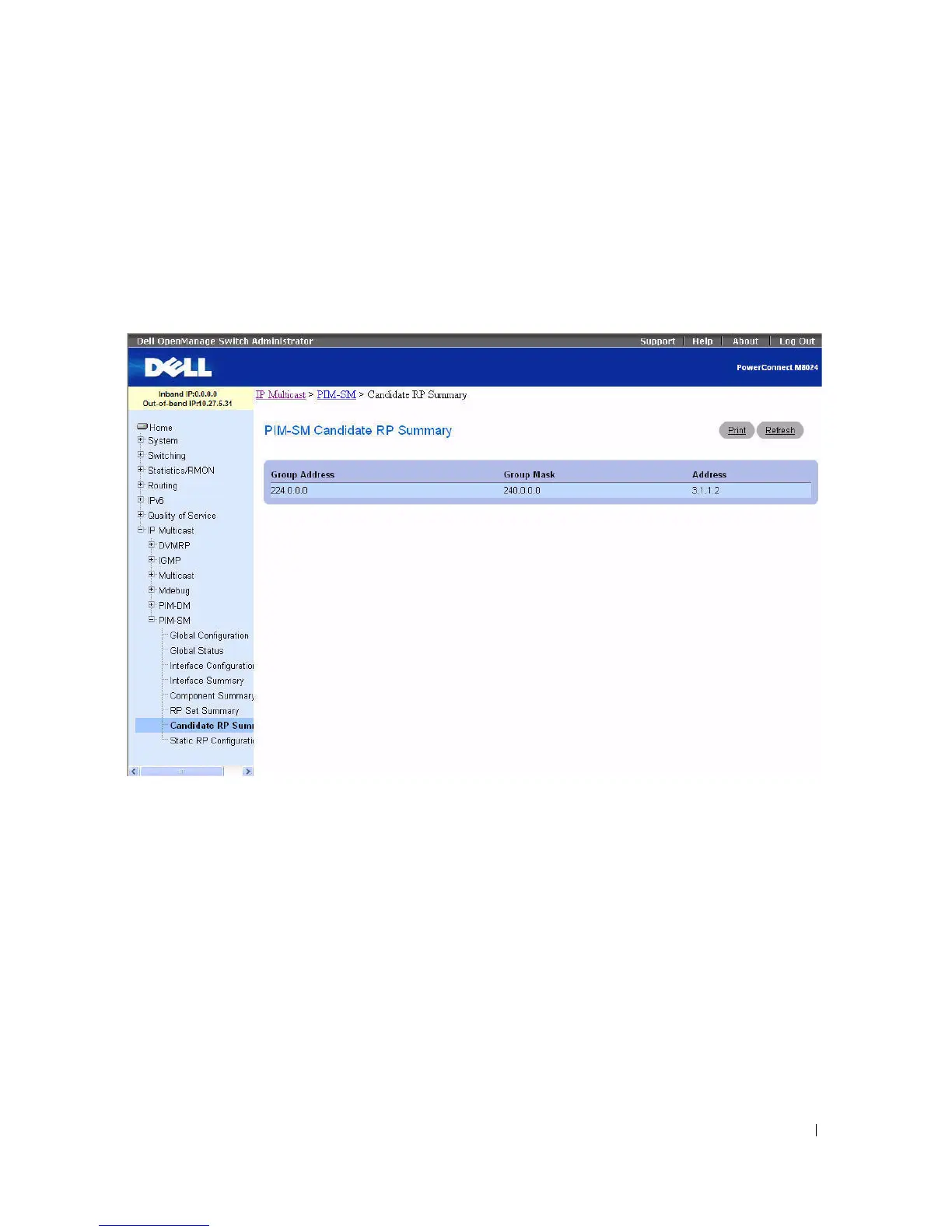
Use the PIM-SM Candidate RP Summary
page to display PIM information for candidate Rendezvous
Points (RPs) for each IP multicast group.
To display the page, click Multicast > PIM-SM > Candidate RP Summary in the tree view.
Figure 12-52. PIM-SM Candidate RP Summary
The PIM-SM Candidate RP Summary page displays the following fields in a table:
•
Group Address
— The group address transmitted in Candidate-RP-Advertisements.
•
Group Mask
— The group address mask transmitted in Candidate-RP-Advertisements to fully identify
the scope of the group which the router supports if elected as a Rendezvous Point.
•
Address
— Displays the unicast address of the interface which is advertised as a Candidate RP.
Displaying PIM-SM Candidate RP Summary using the CLI Command
For information about the CLI command that performs this function, see the following chapter in the
CLI Reference Guide:
• PIM-SM Commands



 To Next Page