Configuring System Information 139
Mapping an IP Address to Domain Host Names Using the CLI Commands
For information about the CLI commands that perform this function, see the following chapter in the
CLI Reference Guide
:
• IP Addressing Commands.
Dynamic Host Name Mapping
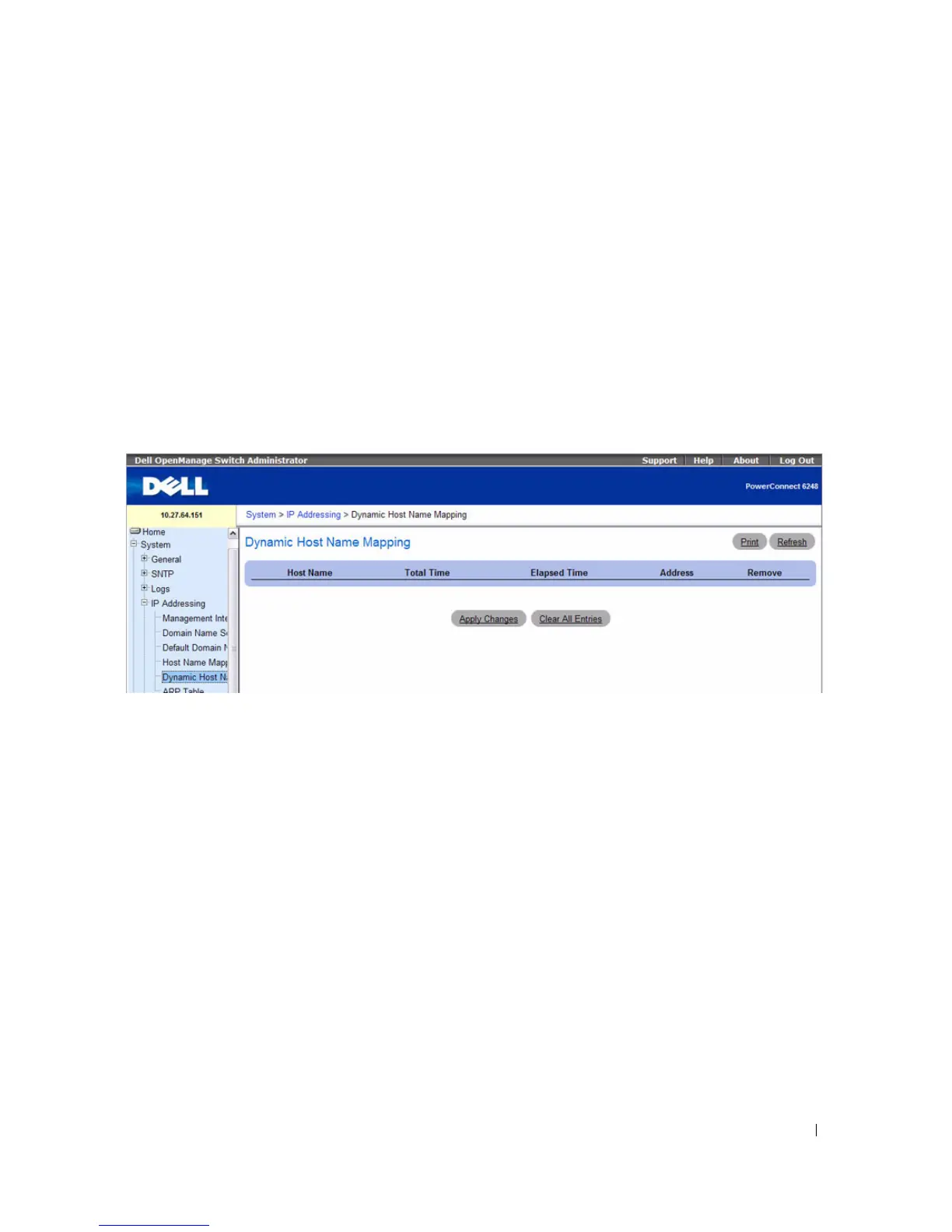
Use the Dynamic Host Name Mapping page to view dynamic host entries the switch has learned.
To display the Dynamic Host Name Mapping page, click System > IP Addressing > Dynamic Host
Name Mapping in the tree view.
Figure 6-31. Dynamic Host Name Mapping
The Dynamic Host Name Mapping page contains the following fields:
•
Host Name
— Contains a list of host names.
•
Total Time —
Total time of the dynamic entry.
•
Elapsed Time —
Elapsed time of the dynamic entry.
•
Address —
IP address of dynamic entry.
•
Remove
— Select the entry to remove from the table, and then click
Apply Changes
to remove the
selected entry from the Host Name IP Mapping list.
Click Clear All Entries to remove all Host Name IP Mapping entries from the table.



 To Next Page