456 Configuring Routing
Configuring ARP Table
1.
Open the
ARP Table Configuration
page.
2.
Change parameters as needed.
3.
Click
Apply Changes
.
Changes are saved, and the ARP table is updated.
Configuring ARP Table with CLI Commands
For information about the CLI commands that perform this function, see the following chapter in the
CLI Reference Guide
:
• ARP Commands
IP
The IP menu page contains links to web pages that configure and display IP routing data. To display this
page, click Routing > IP in the tree view. Following are the web pages accessible from this menu page:
• IP Configuration
•IP Statistics
• IP Interface Configuration
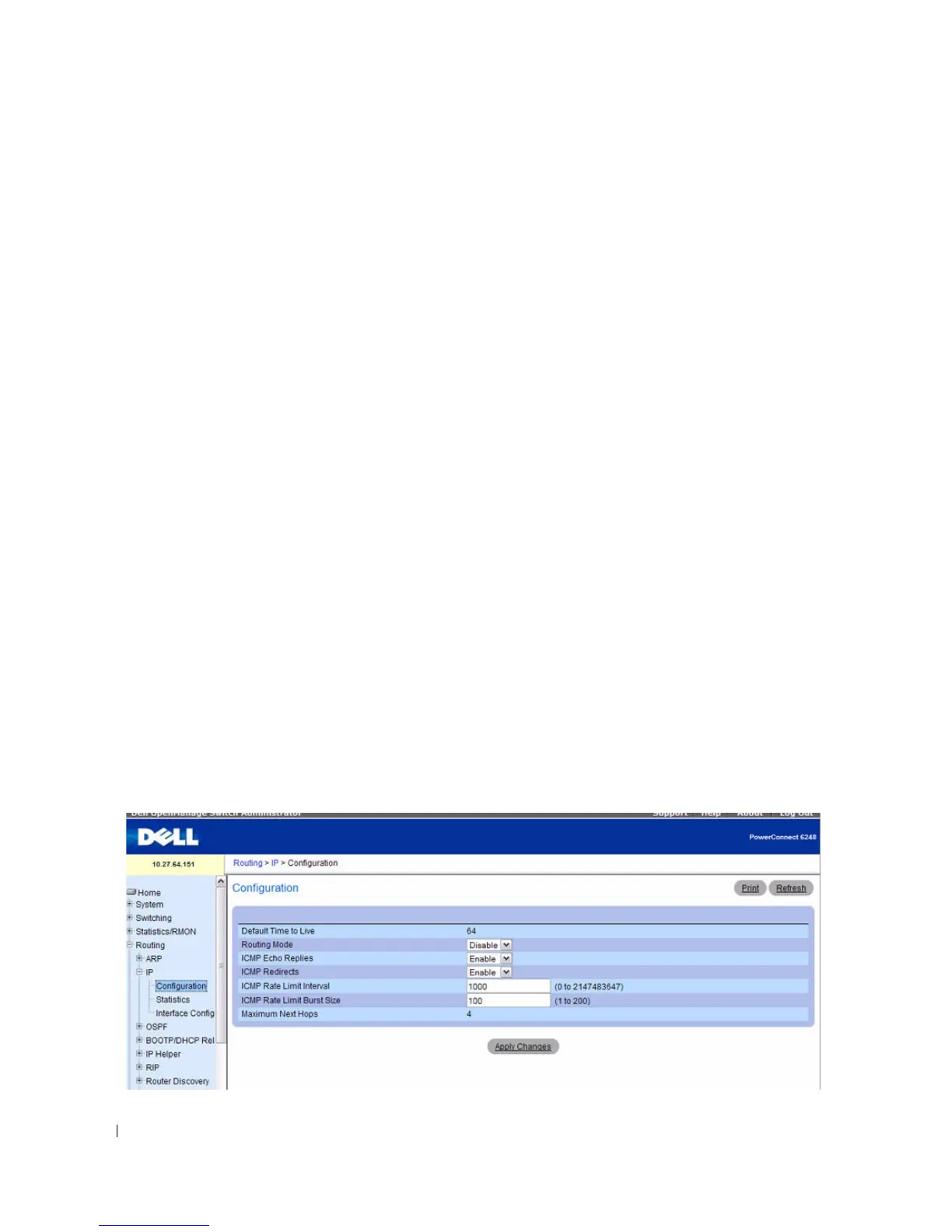
IP Configuration
Use the IP Configuration
page to configure routing parameters for the switch as opposed to an interface.
The IP configuration settings allow you to enable or disable the generation of various types of ICMP
messages.
To display the page, click Routing > IP > Configuration in the tree view.
Figure 9-3. IP Configuration



 To Next Page