Configuring System Information 167
Assigning Line Passwords Using CLI Commands
For information about the CLI commands that perform this function, see the following chapter in the
CLI Reference Guide
:
• AAA Commands.
Enable Password
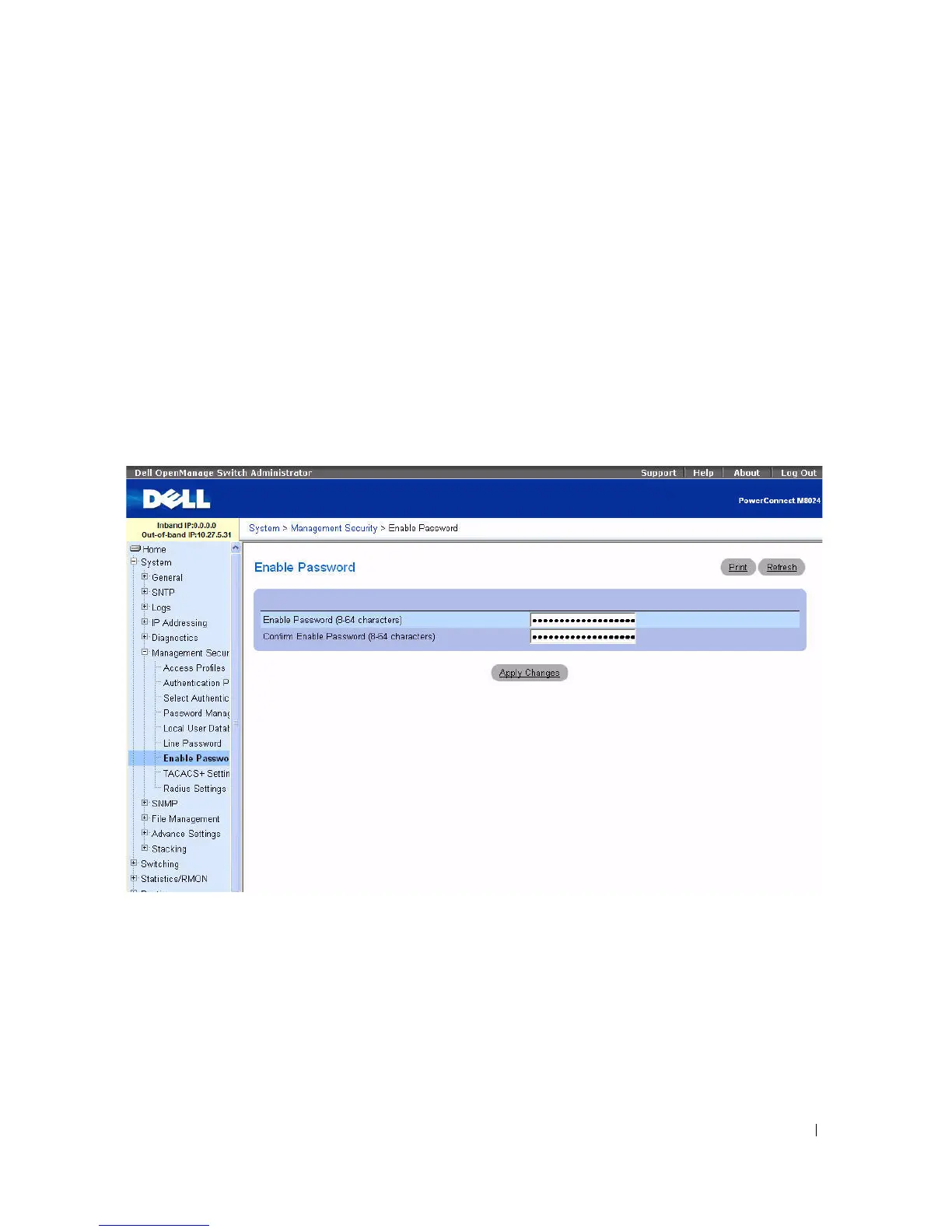
Use the Enable Password page to set a local password to control access to normal and privilege levels.
To display the Enable Password page, click System > Management Security > Enable Password in the
tree view.
Figure 6-52. Enable Password
The Enable Password page contains the following fields:
•
Enable Password (8
–
64 characters) —
The Enable password for controlling access to normal and
privilege levels. The password appears in the ***** format.
•
Confirm Enable Password
— Confirms the new Enable password. The password appears in the *****
format.



 To Next Page