166 Configuring System Information
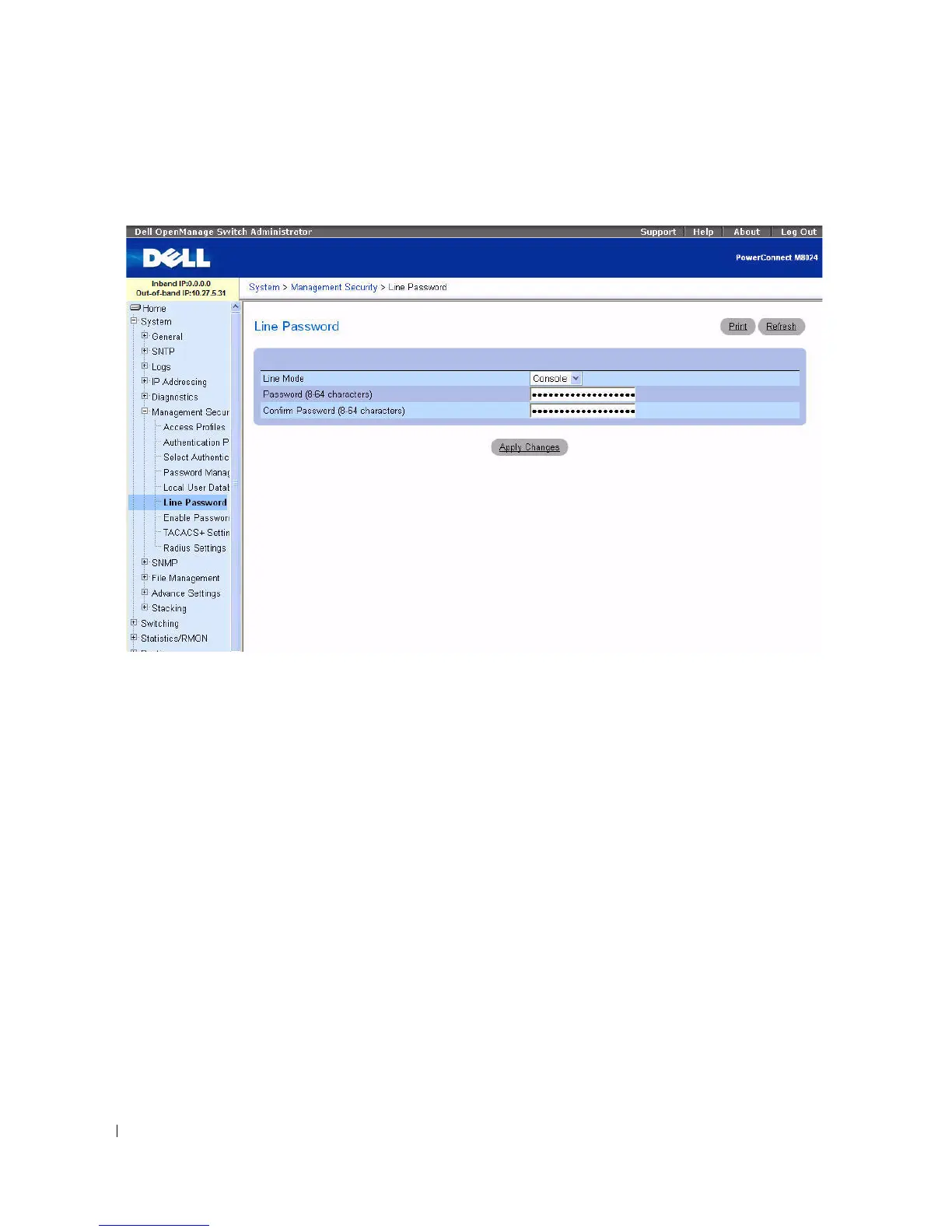
Figure 6-51. Line Password
The Line Password page contains the following fields:
•
Line Mode —
Drop-down menu specifies device access through a Console, Telnet, or Secure Telnet
(SSH) session.
•
Line Password (8
–
64 characters) —
The line password for accessing the device through a console,
Telnet, or Secure Telnet session. The password appears in the ***** format.
•
Confirm Password
(8
–
64 characters)
— Confirms the new line password. The password appears in
the ***** format.
Defining Line Passwords
1.
Open the
Line Password
page
.
2.
Select device access through a Console, Telnet, or Secure Telnet (SSH) session.
3.
Define the
Line Password
field for the type of session you use to connect to the device.
4.
Confirm the
Line Password
.
5.
Click
Apply Changes
.
The line password for the type of session is defined, and the device is updated.



 To Next Page