Configuring Routing 499
Configuring BOOTP/DHCP
1.
Open the
BOOTP/DHCP Configuration
page.
2.
Enter data in the fields as needed.
3.
Click
Apply Changes
when finished.
The BOOTP/DHCP data is configured, and the device is updated.
Configuring BOOTP/DHCP using CLI Commands
For information about the CLI commands that perform this function, see the following chapter in the
CLI Reference Guide:
• DHCP and BOOTP Relay Commands
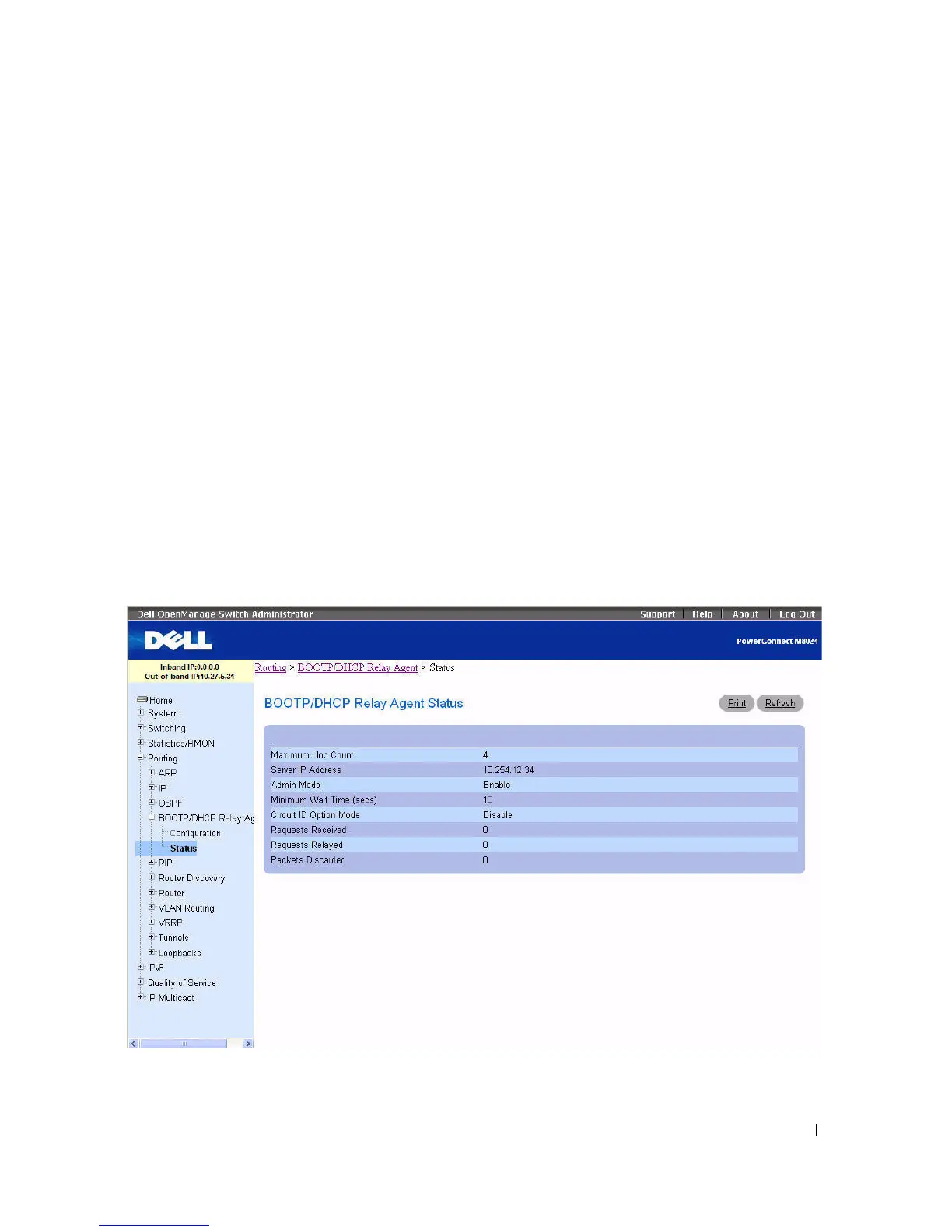
BOOTP/DHCP Relay Agent Status
Use the BOOTP/DHCP Relay Agent Status
page to display the BOOTP/DHCP Relay Agent
configuration and status information.
To display the page, click Routing > BOOTP/DHCP Relay Agent > Status in the tree view.
Figure 9-22. BOOTP/DHCP Relay Agent Status



 To Next Page