142 Configuring System Information
•
Change IPv6 Gateway
— Select this option to allow the IPv6 Gateway field to be edited.
•
IPv6 Gateway
— Enter the IPv6 gateway address (do not include a prefix). Use an IPv6 global or link-
local address format.
•
Add IPv6 Address
— To add an IPv6 address, select Add so you can specify an address in the New IPv6
Address field.
•
New IPv6 Address
— If
Add
is selected from the Add IPv6 Address field, enter an IPv6 prefix/length in
this field.
•
EUI Flag
— Select True if the last 64 bits are to be derived from the MAC address. For example, you
can enter 2001::/64 and have the EUI Flag (True) use the 64-bit address calculated from the MAC
address.
Displaying IPv6 Address Management Information
1.
Open the
IPv6 Address Management
page
.
2.
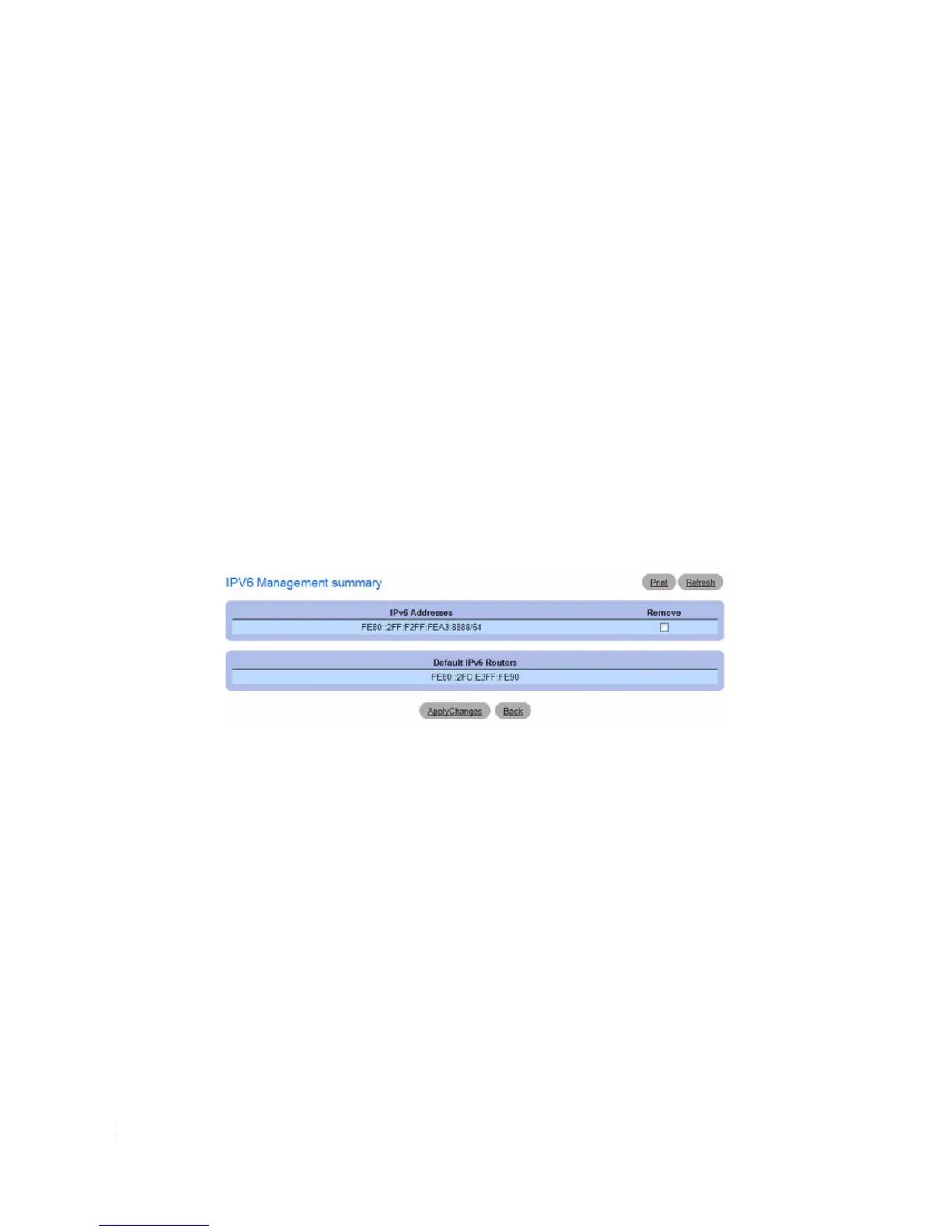
Click
Show All
to display the
IPv6 Management Summary
page.
Figure 6-34. IPv6 Management Summary
3.
To remove an IPv6 Address, select the Remove option associated with the address, and click
Apply
Changes
.



 To Next Page