Configuring System Information 117
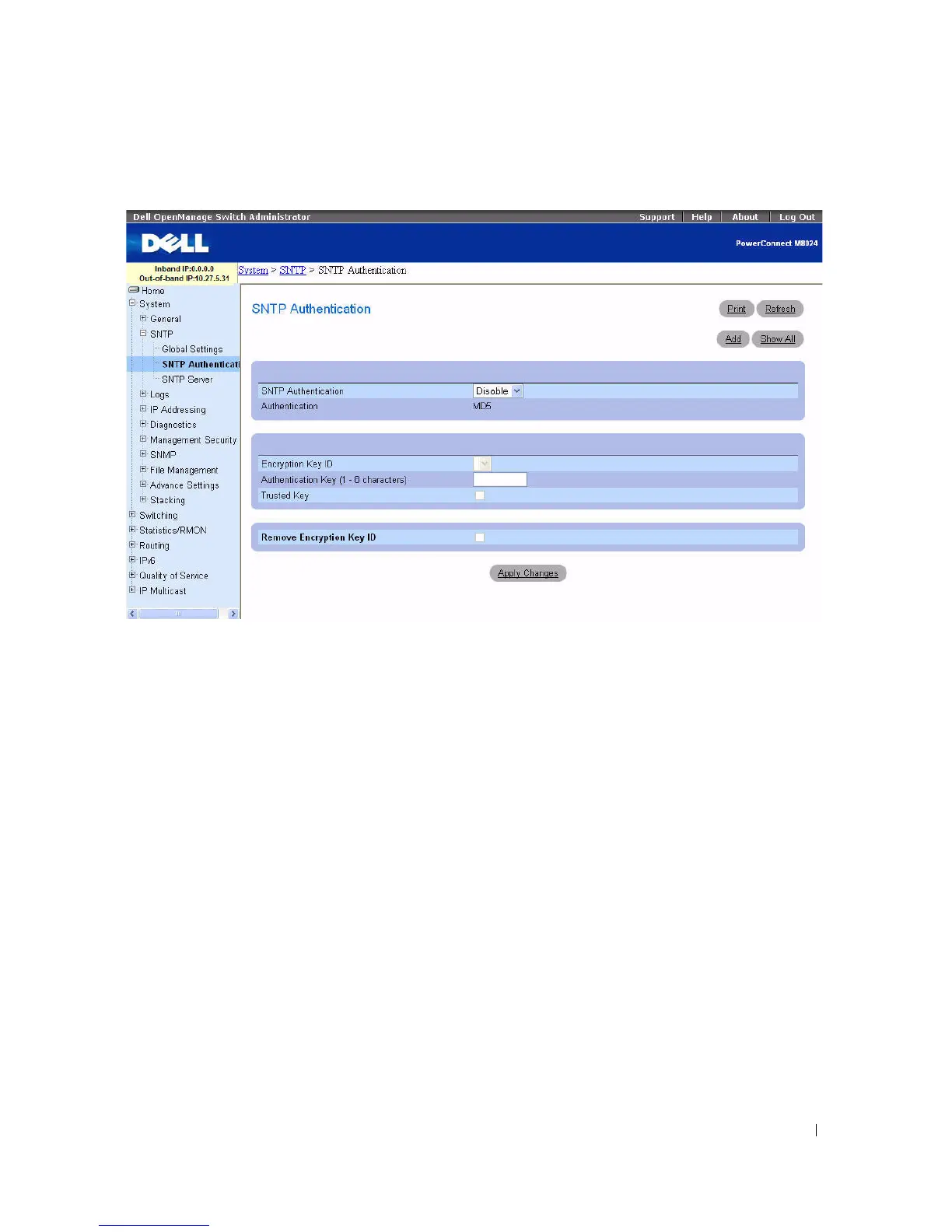
Figure 6-10. SNTP Authentication
The SNTP Authentication page contains the following fields:
•
SNTP Authentication —
If enabled, requires authenticating an SNTP session between the device and
an SNTP server.
•
Authentication
—
Type of authentication. System supports MD5 only.
•
Encryption Key ID —
Contains a list of user-defined key IDs used to authenticate the SNTP server
and device. Possible field values are 1–4294767295.
•
Authentication Key (1
–
8 Characters)
— Displays the key used for authentication.
•
Trusted Key —
Check to specify the encryption key used (Unicast) or uncheck to authenticate the
SNTP server (Broadcast).
•
Remove Encryption Key ID —
Check to remove the selected authentication key.



 To Next Page