Configuring System Information 125
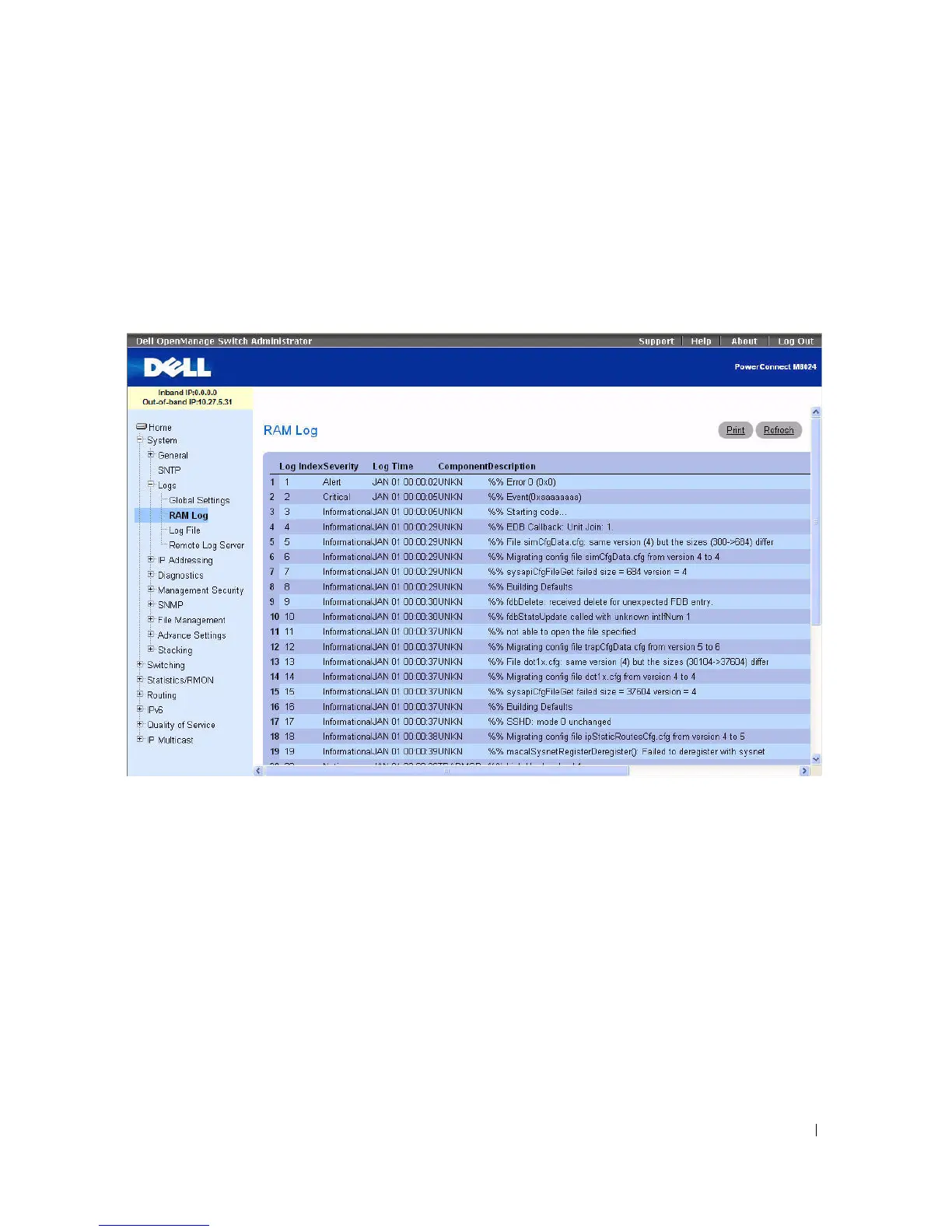
RAM Log Table
Use the RAM Log Table page to view information about specific RAM (cache) log entries, including the
time the log was entered, the log severity, and a description of the log.
To display the RAM Log Table, click System > Logs > RAM Log in the tree view.
Figure 6-17. RAM Log Table
The RAM Log Table contains the following fields:
•
Log Index
— Indicates the Log Number within the Log RAM Table.
•
Severity
— The log severity.
•
Log Time
— The time at which the log was entered in the Log RAM Table.
•
Component
— The component being logged.
•
Description
— The log description.
Removing Log Information
1.
Open the
RAM Log Table
page.
2.
Click
Clear Log
.
The log information is removed from the log file table, and the device is updated.



 To Next Page