Configuring System Information 129
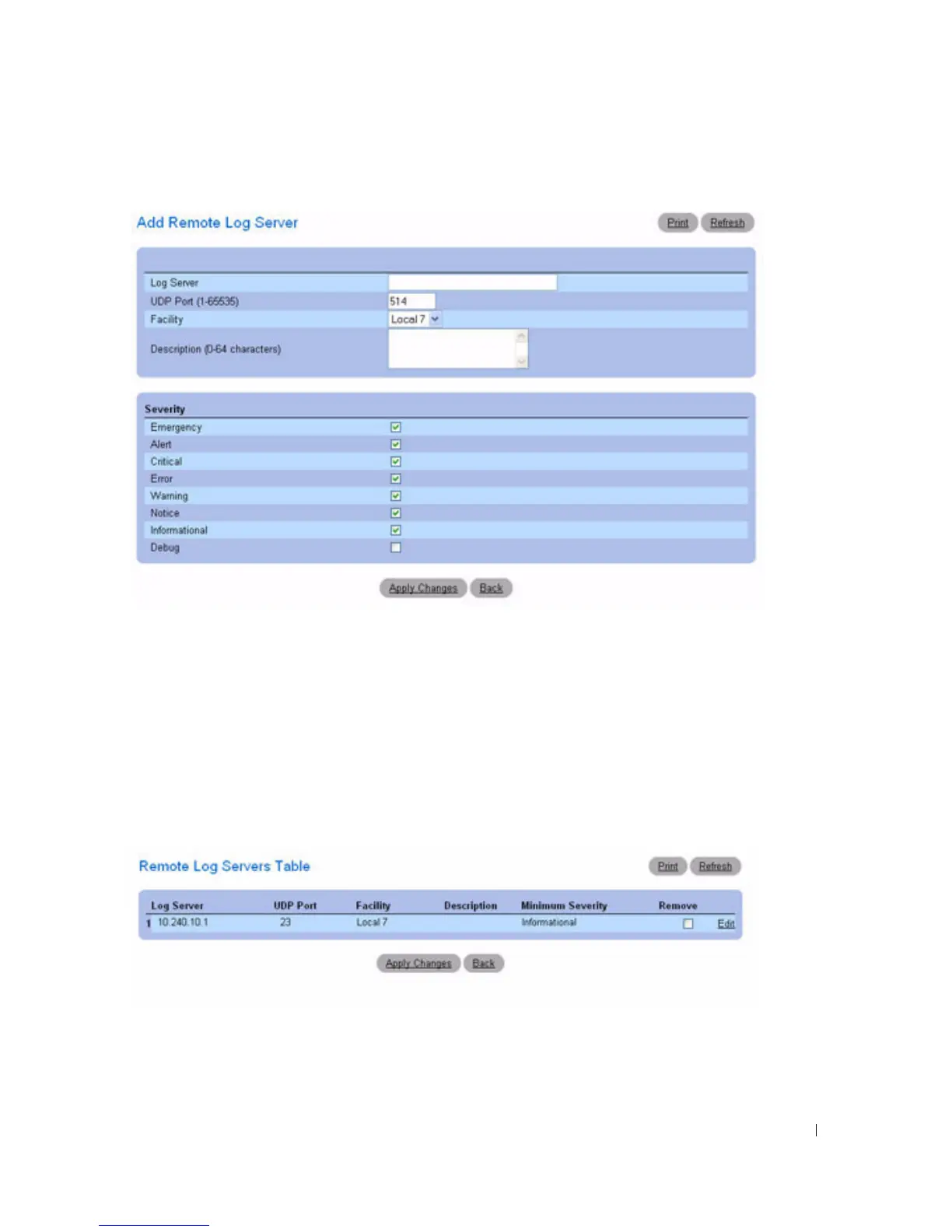
Figure 6-20. Add Remote Log Server Settings
3.
Complete the fields in the dialog and click
Apply Changes
.
The
Remote Log Server Settings
page displays the server in the
Log Server
list only after you go back
to the
Remote Log Server Settings
page.
Viewing/Removing a Log Server
1.
Open the
Remote Log Server Settings
page.
2.
Click
Show All
to display the
Remote Log Servers Table
page
.
Figure 6-21. Show All Log Servers
3.
To remove a server, check the corresponding
Remove
check box.
4.
Click
Apply Changes
.
The server is removed, and the device is updated.



 To Next Page