154 Configuring System Information
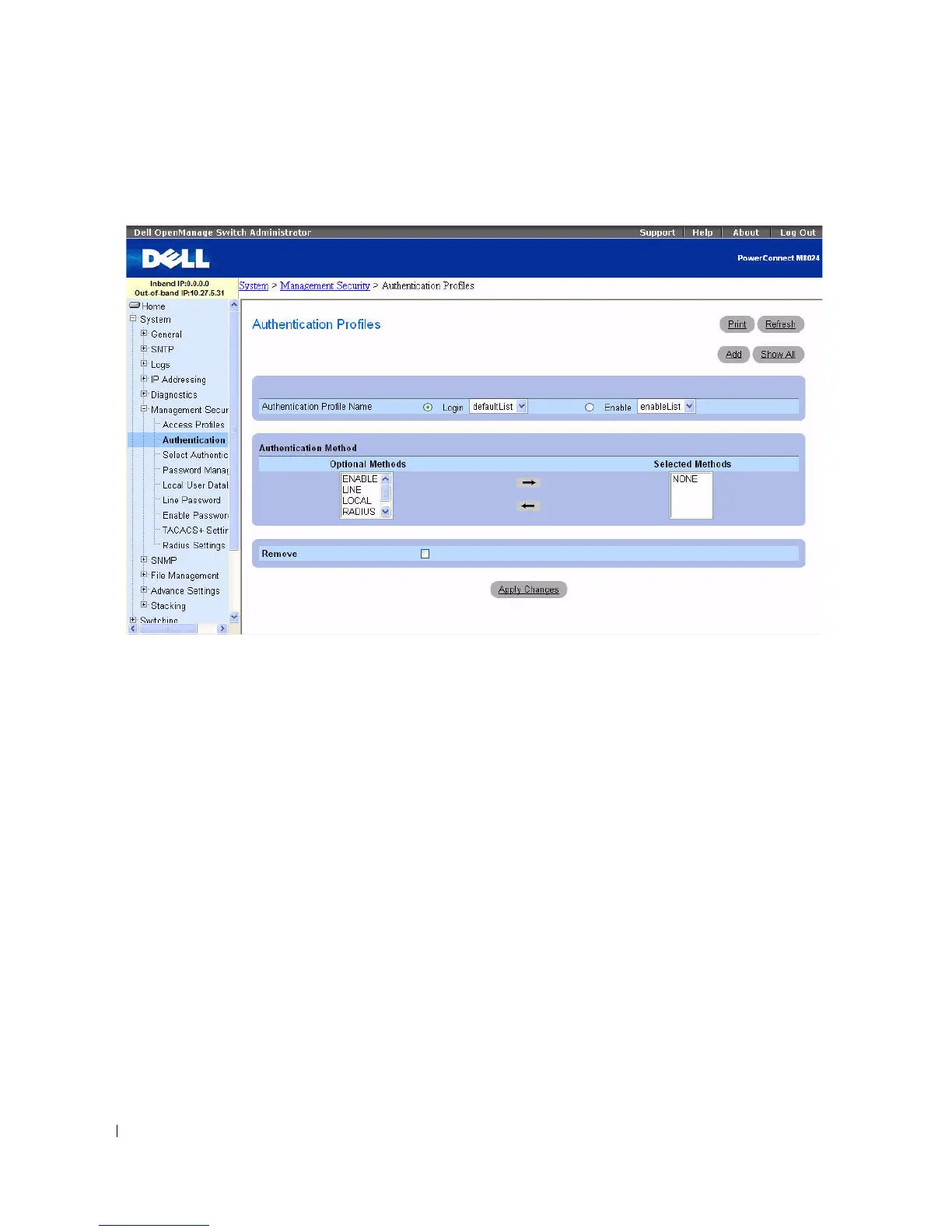
Figure 6-43. Authentication Profiles
The Authentication Profiles page contains the following fields:
Authentication Profile Name
Displays lists to which user-defined authentication profiles are added. Use the radio buttons to apply the
authentication profile to govern either Login or Enable part of the switch’s operations, and to select one
of two available lists:
•
Login
— Allows you to login to the switch. Options are
defaultList
,
networkList
and any user-defined
login authentication profiles.
•
Enable
— Enables privilege mode.



 To Next Page