156 Configuring System Information
3.
Enter the profile name of 1 to 12 characters in the
Profile Name
field.
Note: The profile name should not include spaces.
4.
Click
Apply Changes
.
A profile is created. You can activate an authentication profile using the
System
> Management
Security > Select Authentication
web page.
Modifying Authentication Profiles
1.
Open the
Authentication Profiles
page.
2.
Select an element from the list in the
Authentication Profile Name
field.
3.
Select one or more
Optional Methods
by using the arrows.
4.
Click
Apply Changes
.
The user authentication profile is updated to the device.
Removing an Authentication Profiles Entry
1.
Open the
Authentication Profiles
page.
2.
Click
Show All
.
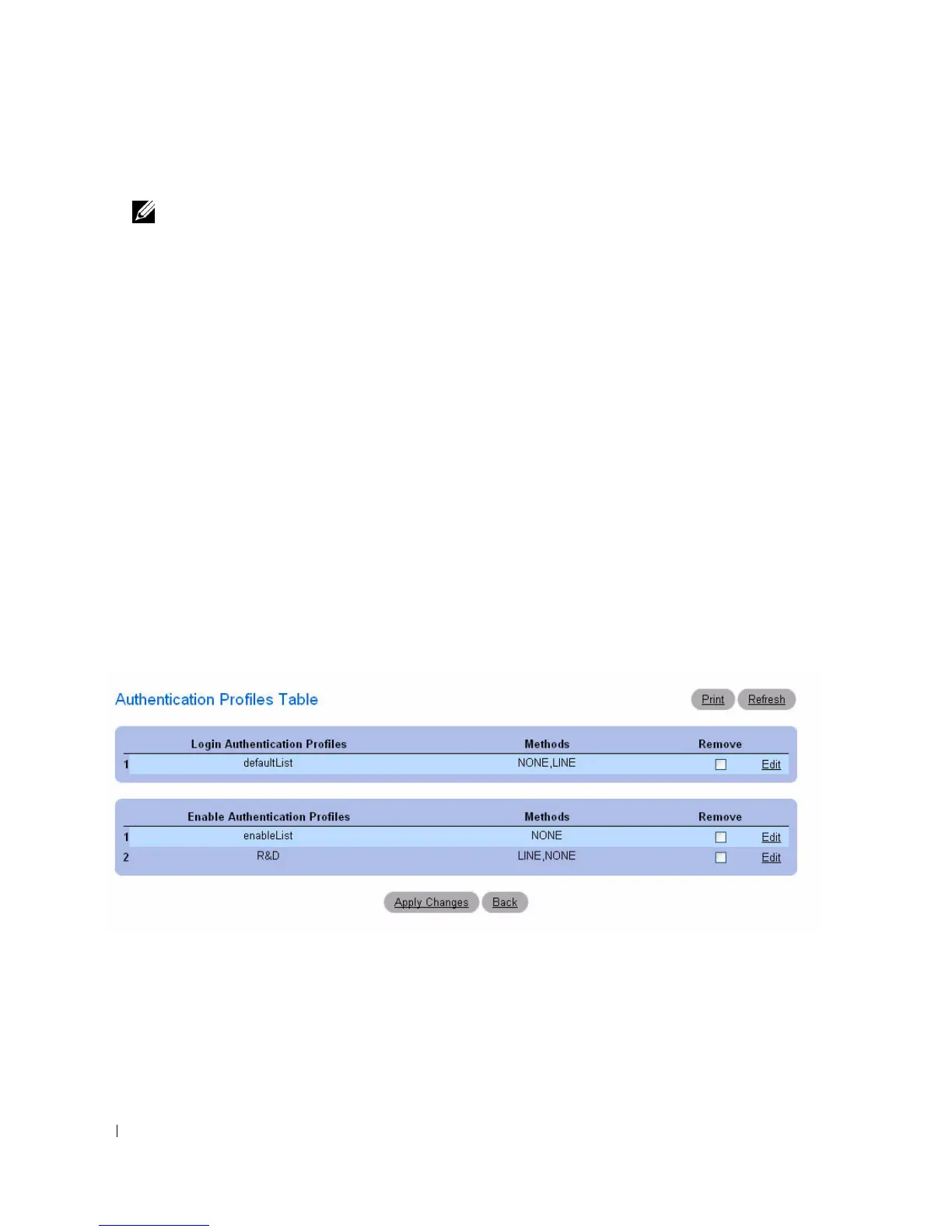
The
Authentication Profiles
Table opens.
Figure 6-45. Authentication Profiles Table
3.
Check the
Remove
check box next to the profile to be removed.
4.
Click
Apply Changes
.
The entry is removed.



 To Next Page